Preview image. Unlock full-res
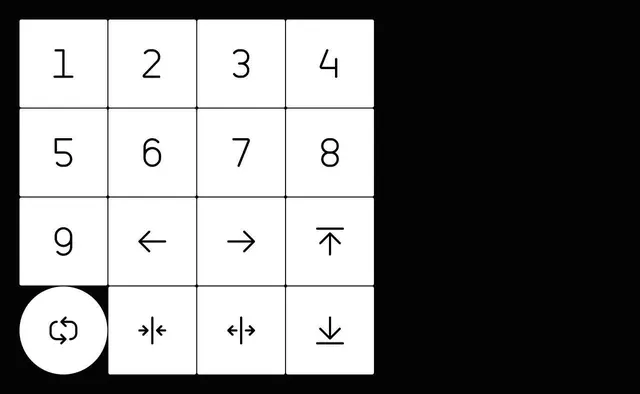
Minimalist icon system showing numbered keyboard navigation controls and directional symbols on a 4x4 grid with highlight circle.
Summary
A clean, technical icon system laid out in a 4x4 grid showing numbered buttons 1-9 and navigation symbols, with a highlighted circle on the lower left indicating a special search function.
Visual description
Grid layout on black background with white elements: numbers 1 through 9 and four directional arrow symbols arranged in cells. Bottom left cell contains a white circle highlighting a special symbol (possibly search or settings). Each cell is bordered in white. The system is monochromatic with equal spacing and consistent line weight throughout.
Key takeaway
Effective simplification of a complex navigation/shortcut system into a memorable grid format—the highlighted circle draws attention to the primary action while maintaining visual hierarchy.
Reuse notes
Strong reference for UI icon systems, keyboard navigation guides, or interface controls. Works well for technical products, developer tools, or applications requiring clear keyboard shortcuts. The grid format is highly scalable and legible at small sizes.
More like this



Keep what you find
A free account saves references to boards and can send you a weekly email of picks based on what you save.
To see every result, go Pro.