A design reference library,
actually searchable.
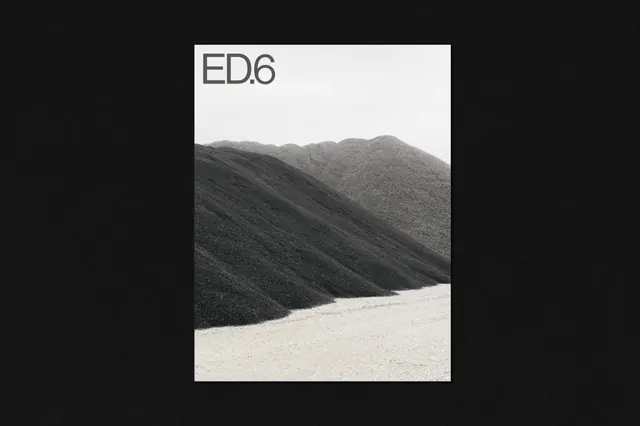
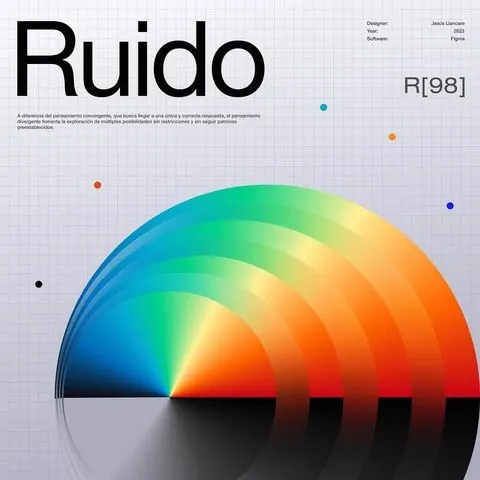
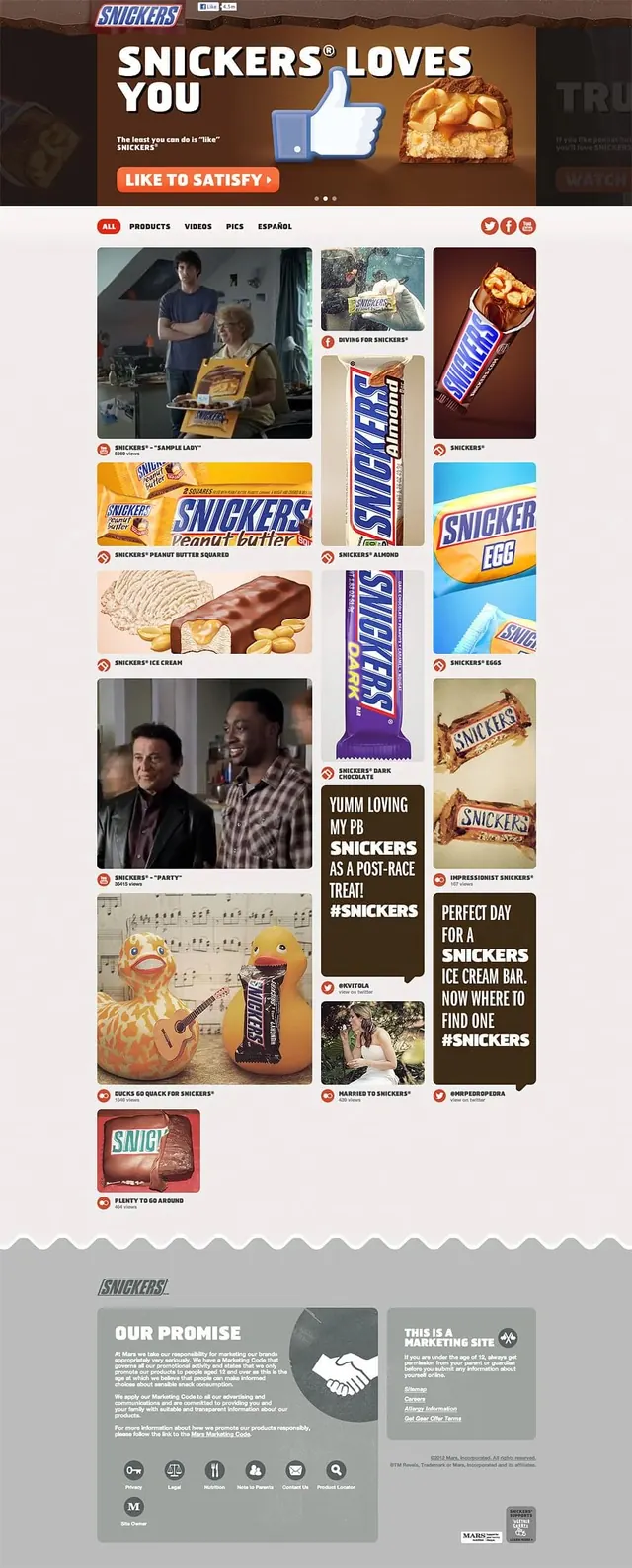
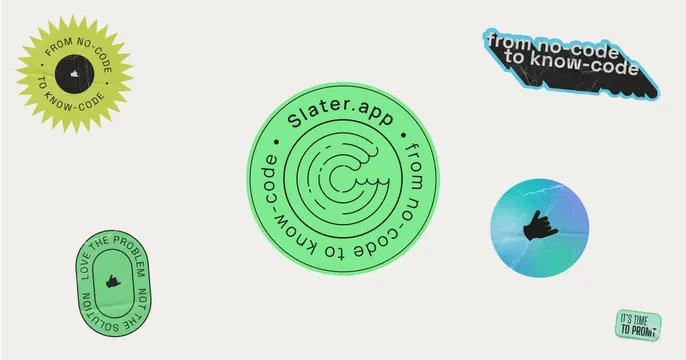
65,000+ references, every one described and tagged. Search the way you think, then place results straight into Figma.
Daily edit · Tuesday, 6 October
From the archive


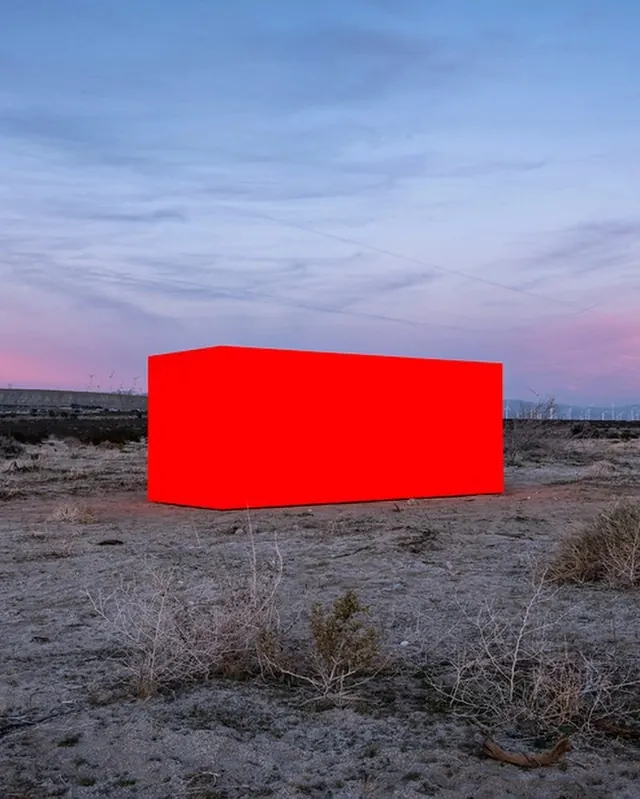

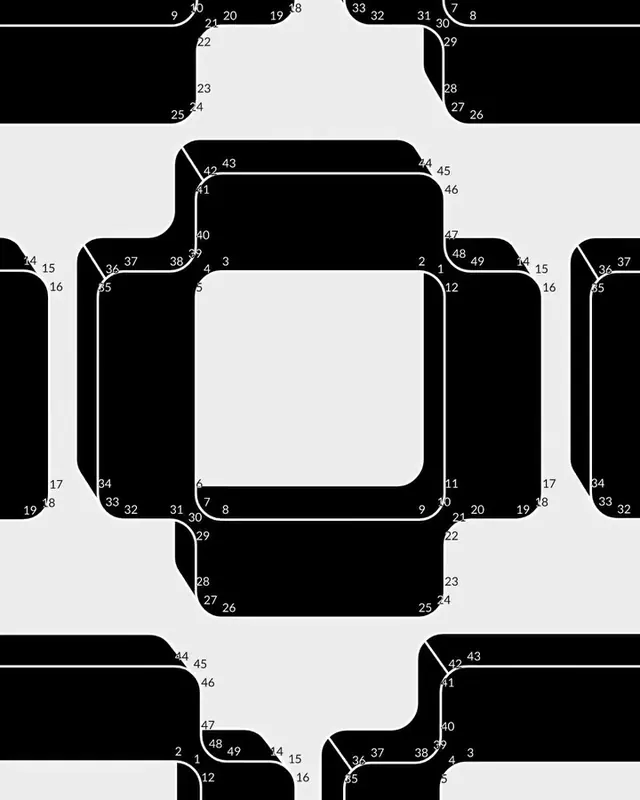

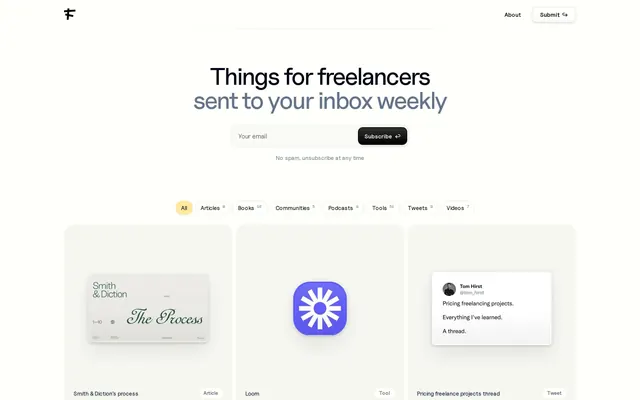
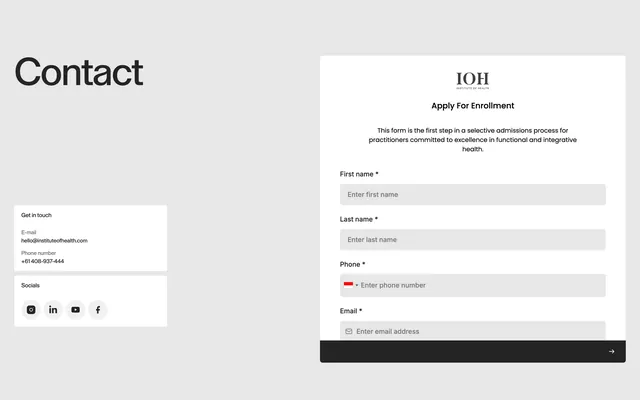



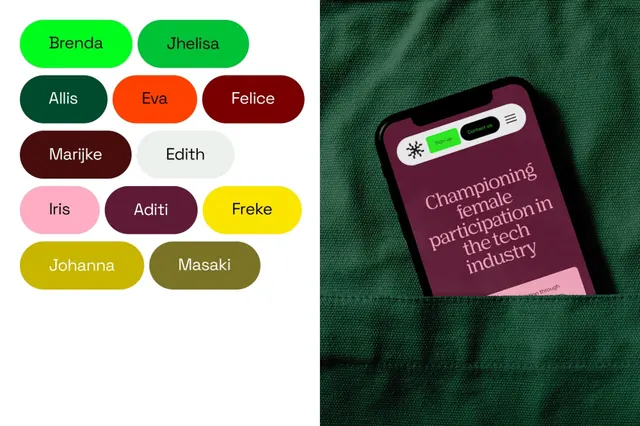


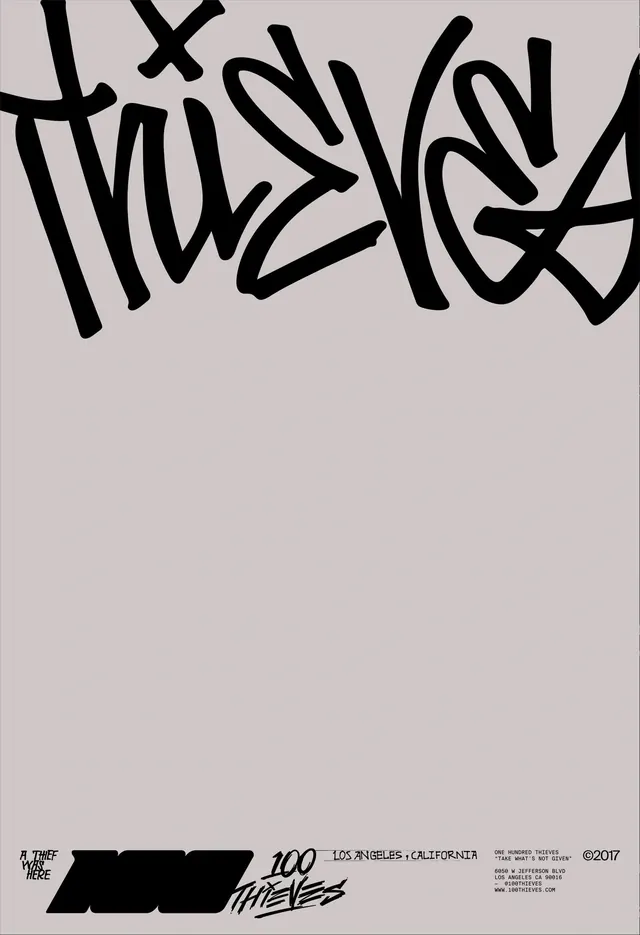


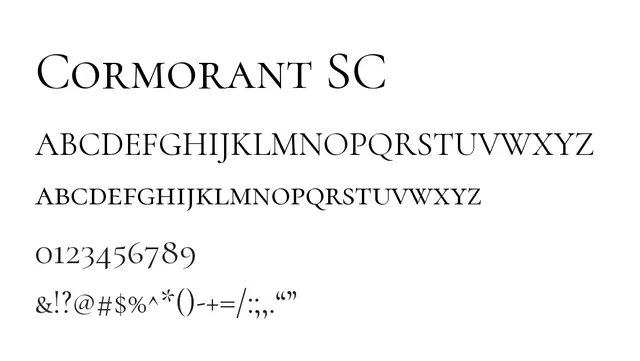



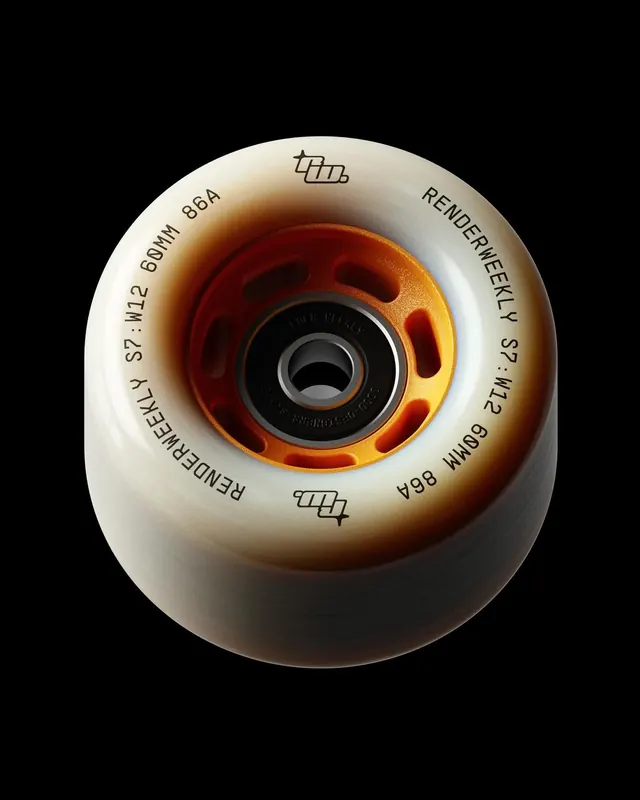
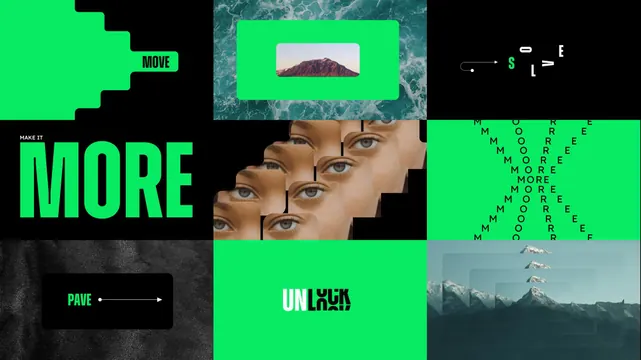
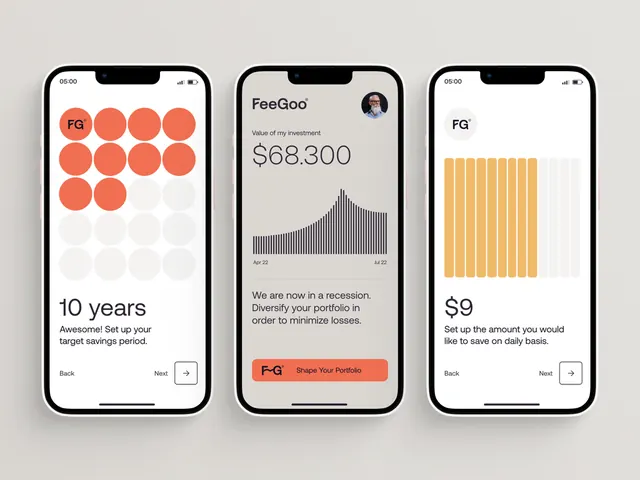


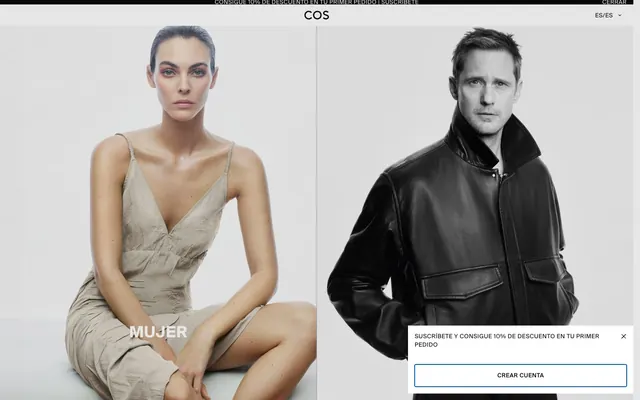






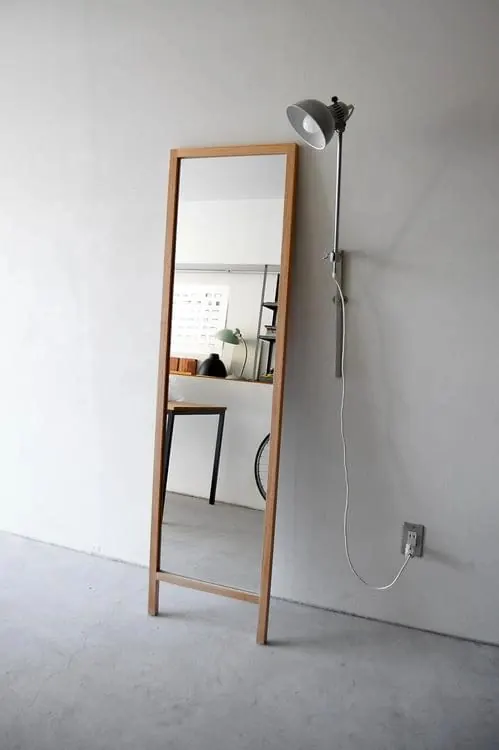


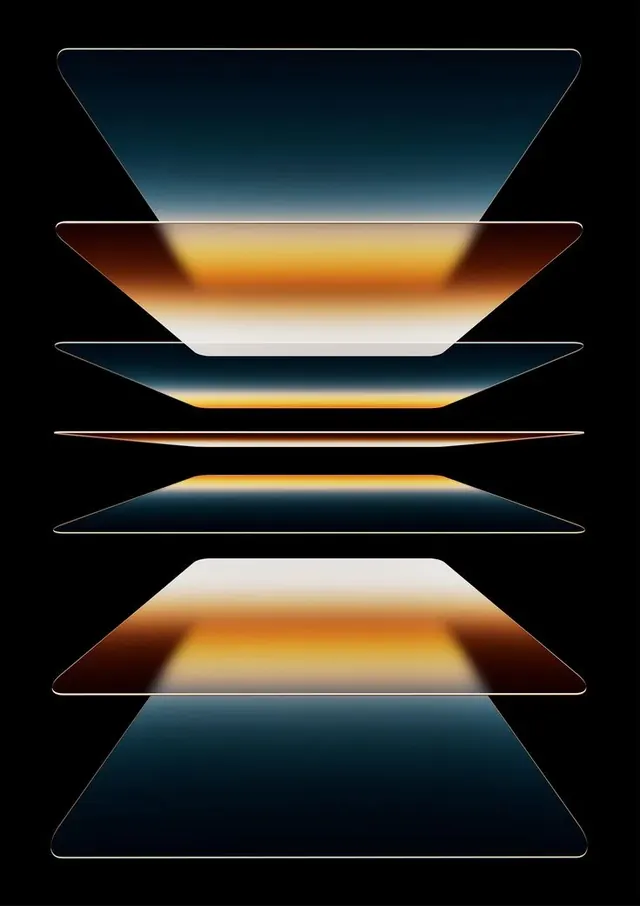
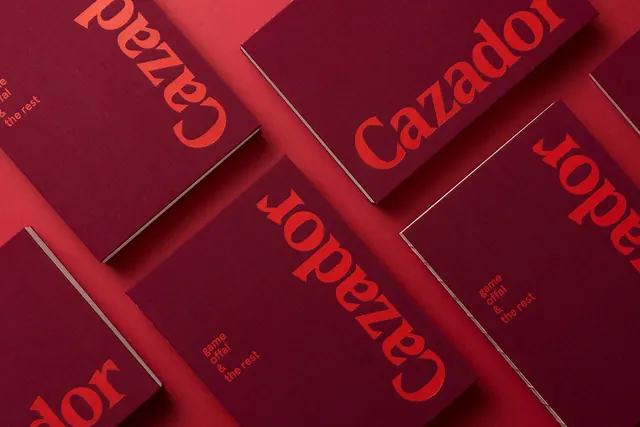
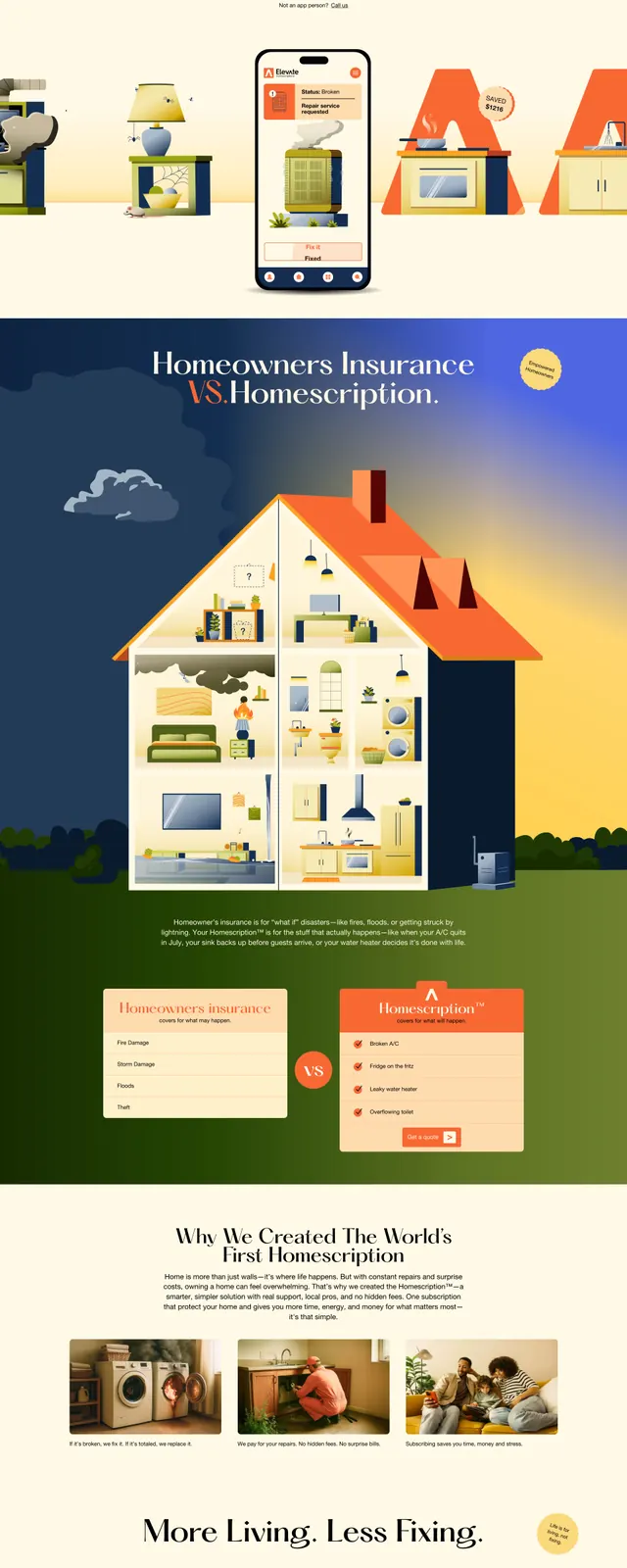
Keep what you find
A free account saves references to boards and can send you a weekly email of picks based on what you save.
To see every result, go Pro.
From search to moodboard in one click.
Describe what you're designing, pick a mood, style or industry, and place a curated board of real references directly on your Figma canvas.
Describe what you're designing
Start from a category like a hero, a pricing page, a pitch deck or a brand system, or just describe it the way you'd search here.
Choose the mood, style and industry
Narrow by the dimensions that matter: dark or light, minimal or bold, SaaS or fintech, the palette you're chasing.
Place a curated board in Figma
One click drops a captioned grid of on-brand references onto your canvas, ready to react to instead of another open tab.
Give your AI tools the same library.
Connect the hosted MCP server once, then search references and pull color palettes right from Claude, Cursor or any MCP-speaking tool — no copy-paste required.
Connect once
Add the hosted MCP server to Claude, Cursor or any MCP-speaking tool — one URL, no build step.
Ask in plain language
Describe what you're designing right in your existing chat, the same way you'd search here.
Get results back
References and color palettes come back ready to use — no browser tab needed.
Frequently asked questions
More questions? Read the full FAQ.