Preview image. Unlock full-res
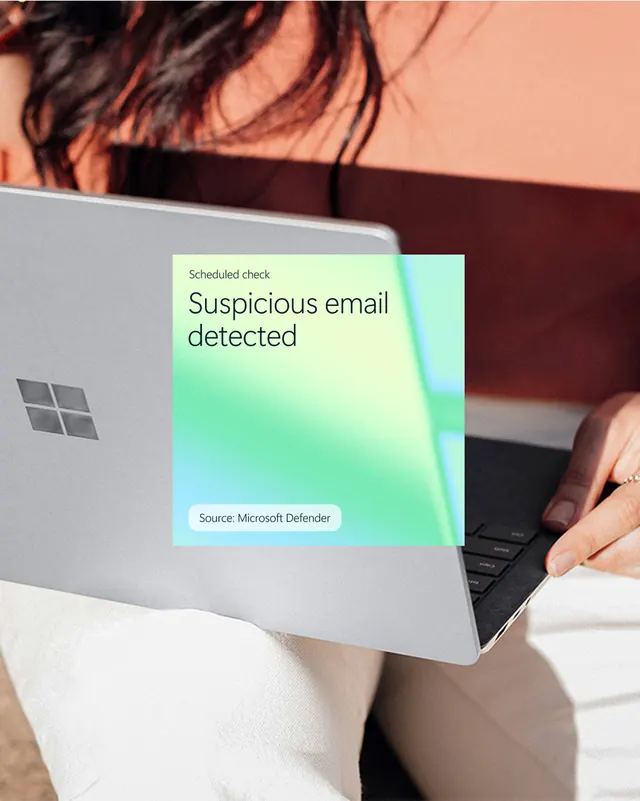
A photo of a laptop with a translucent notification card overlay reading “Suspicious email detected.”
Summary
A photo of a laptop with a translucent notification card overlay reading “Suspicious email detected.”
Visual description
The image shows a silver laptop held in someone’s lap, photographed in warm natural light. A square gradient card sits over the laptop screen area with the text “Scheduled check” and a large “Suspicious email detected,” plus a rounded label that says “Source: Microsoft Defender.”
Key takeaway
Use a real-world product photo as the base and layer a soft, semi-opaque gradient UI card on top. The contrast between tactile photography and clean product messaging gives the graphic immediate credibility.
Reuse notes
This approach works well for security, productivity, and enterprise software promotions where you want the UI to feel embedded in everyday use. It is strongest when the overlay message is short and legible, and when the photograph has enough negative space for the card to sit cleanly.