Preview image. Unlock full-res
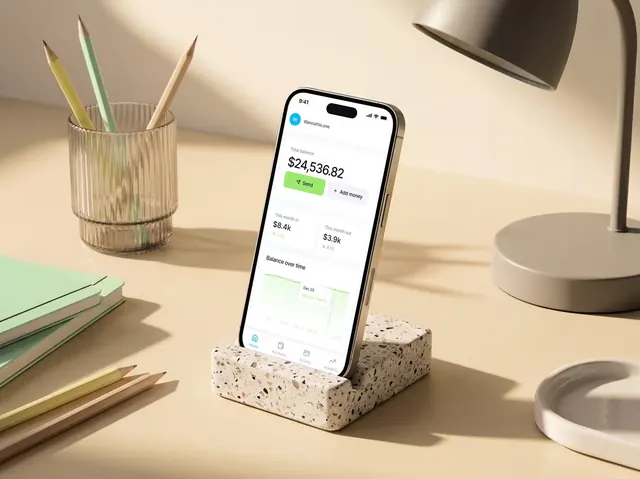
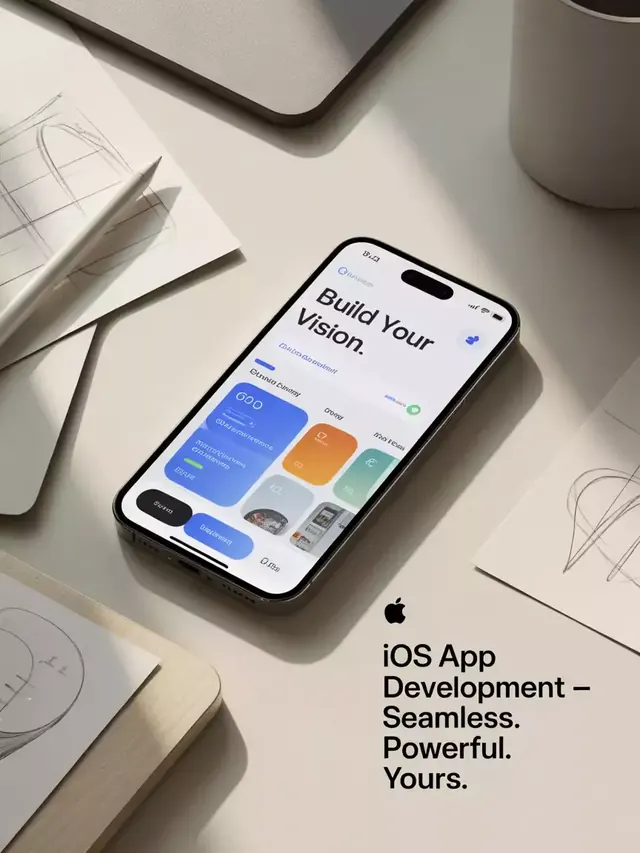
A tilted iPhone mockup sits on a beige desk beside sketch papers and stationery, with a bold app screen shown on the device.
Summary
A tilted iPhone mockup sits on a beige desk beside sketch papers and stationery, with a bold app screen shown on the device.
Visual description
A black iPhone is angled across a warm beige tabletop, surrounded by loose sketch pages, a pen, and parts of a laptop and mug. The phone screen shows a clean app interface with the headline "Build Your Vision." and a set of colorful rounded cards and buttons.
Key takeaway
Use a premium desk-scene mockup with soft shadows and neutral props to make a mobile UI feel polished. Pair the real-world setup with a bold, oversized on-device headline for strong presentation hierarchy.
Reuse notes
Reach for this when presenting a mobile app concept, landing-page hero, or product pitch where the UI needs to feel premium. It works best when the device and surrounding objects are part of the story rather than decorative noise.