Preview image. Unlock full-res
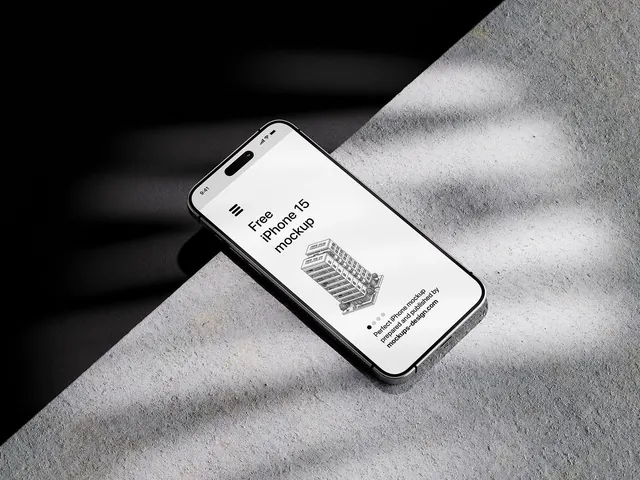
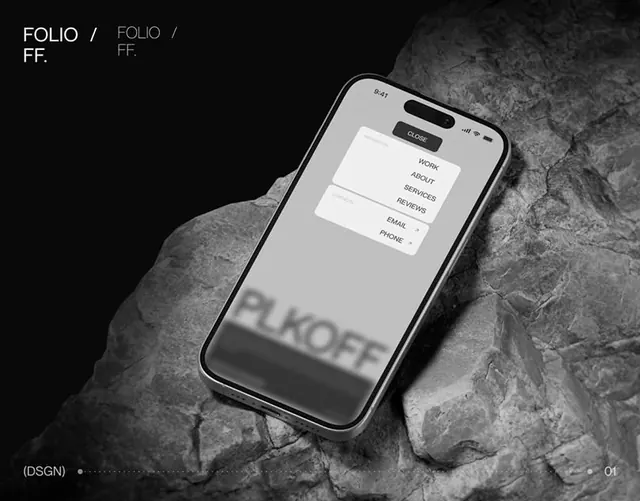
A monochrome smartphone UI mockup is shown resting on a rocky surface against a black background.
Summary
A monochrome smartphone UI mockup is shown resting on a rocky surface against a black background.
Visual description
A tilted smartphone sits on a large textured rock with strong shadows and a black background. The phone screen shows a pale interface with a small stacked menu card near the top and blurred large text near the bottom, while the overall image stays in grayscale.
Key takeaway
Use a high-contrast monochrome scene with a single angled device to make the UI feel tactile and premium. Keep the interface sparse and let material texture do most of the visual work.
Reuse notes
Reach for this when you want a hero mockup that feels cinematic without adding extra UI complexity. It works best for minimalist product, agency, or portfolio presentations where the device and environment are part of the story.