Preview image. Unlock full-res
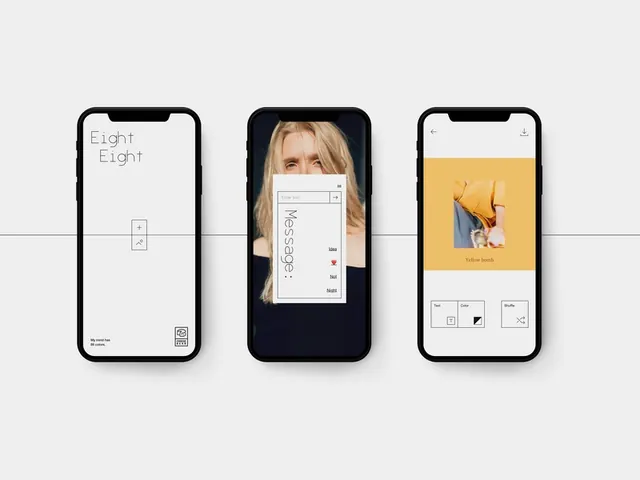
Three iPhone mockups showing minimalist screens for an Eight Eight camera app with monospaced type, photo overlays, and a yellow accent card.
Summary
Three iPhone mockups showing minimalist screens for an Eight Eight camera app with monospaced type, photo overlays, and a yellow accent card.
Visual description
Three black iPhones on a pale gray background. Left screen: white UI with Eight Eight in thin monospaced type, a small vertical tool widget, and footer copy. Center screen: full-bleed portrait photo with a centered white input card, vertical Message label, and tag chips. Right screen: yellow square photo card labeled Yellow bomb in serif type above a three-button row for Text, Color, and Shuffle.
Key takeaway
Pairing monospaced navigation with a single serif headline and one saturated accent block gives a creative camera app an editorial gallery feel.
Reuse notes
Strong reference for photo or journaling apps that want art-direction over conventional camera UI. Needs strong photography to carry the middle screen.