Preview image. Unlock full-res
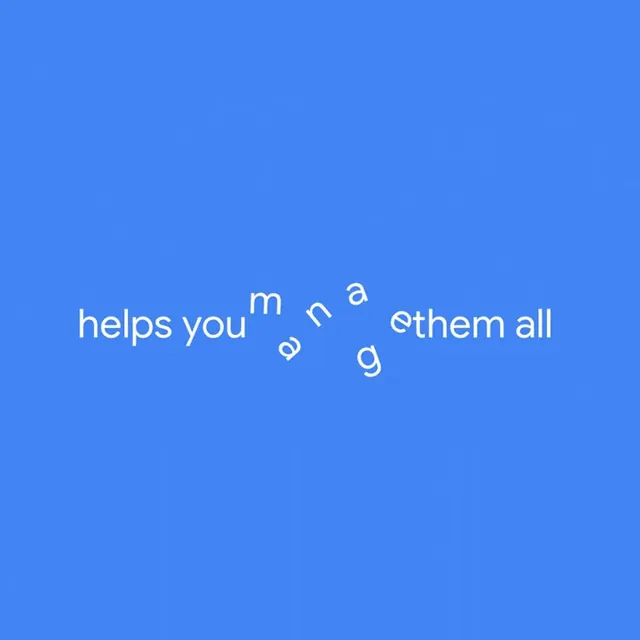
Ultra-minimal UI with a single outlined arrow icon centered on a solid vibrant blue background, emphasizing negative space and directional intent.
Summary
Single outlined arrow icon on a monochromatic vibrant blue field, using extreme negative space and a single interaction hint to guide the user forward.
Visual description
Full-screen solid vibrant blue background (gradient-free, uniform color) with a single white-stroke outlined right-pointing arrow icon positioned roughly center-left. The arrow is medium weight, unfilled, and styled as two simple lines forming a chevron shape. No other UI elements, text, labels, or chrome present; the entire screen is negative space except for the solitary icon.
Key takeaway
The confidence of showing one affordance and trusting users to understand navigation. Useful for onboarding transitions, loading states, or gesture-hint screens where clarity is more important than feature visibility.
Reuse notes
Best as a transient screen (loading spinner alternative, swipe-to-continue hint, or step-forward gesture prompt) rather than a persistent destination. Works well in modal flows or modal overlays. The monochromatic blue makes the icon feel like it's floating; add subtle shadow or outline contrast if the screen needs to anchor users for longer than a second or two.