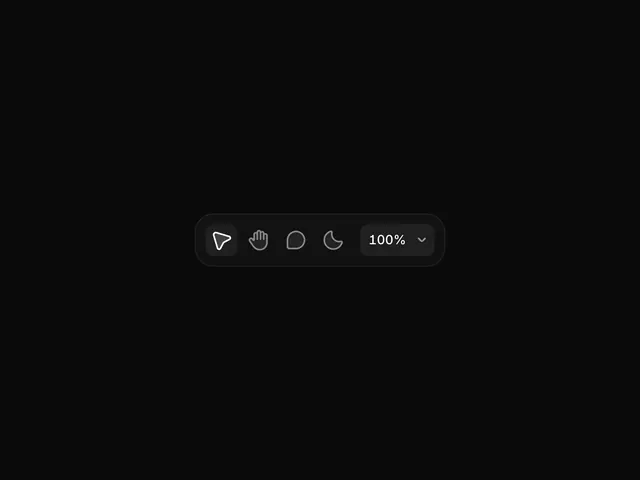
Preview image. Unlock full-res
A close-up look at two dark-mode UI components from Framer 3.1, featuring a minimal floating toolbar and a context menu with keyboard shortcut hints.
More like this
See all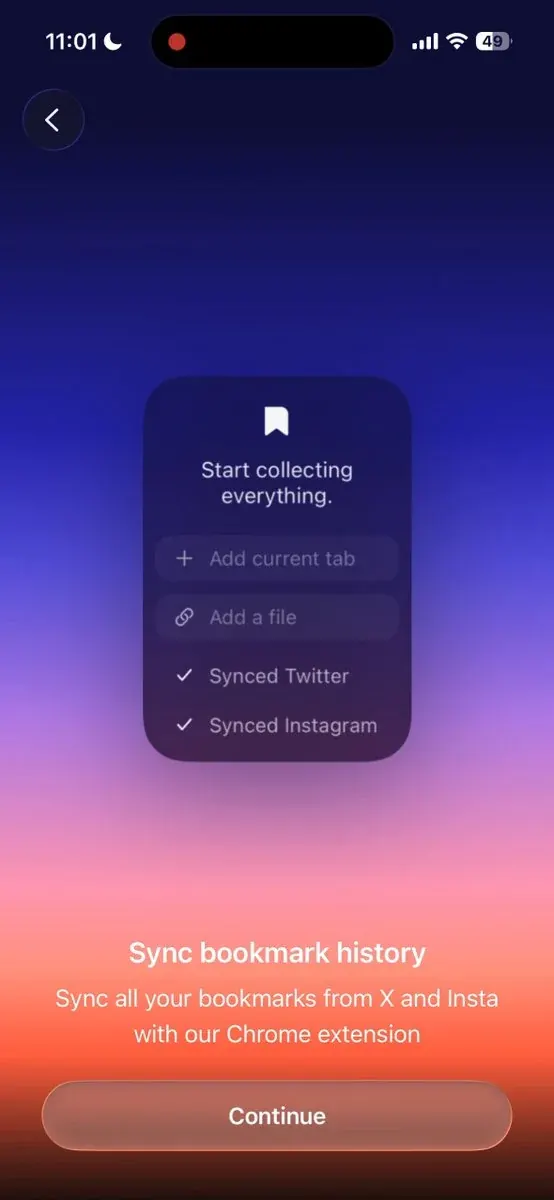
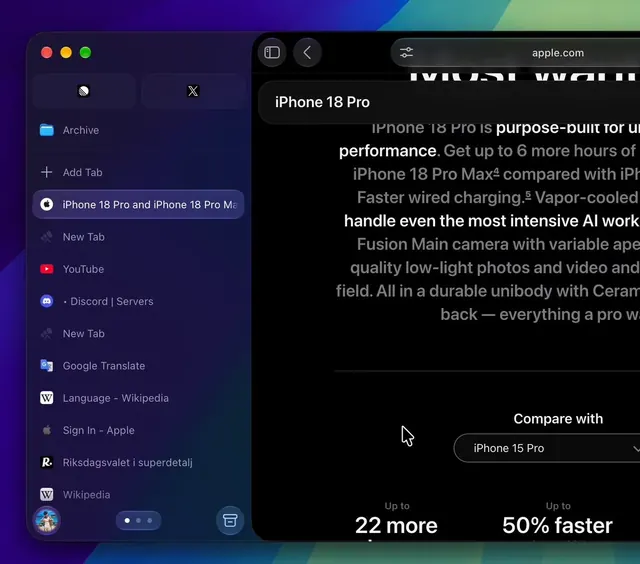
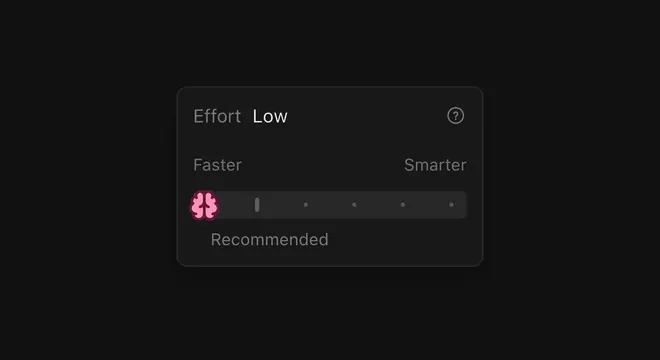
Summary
A close-up look at two dark-mode UI components from Framer 3.1, featuring a minimal floating toolbar and a context menu with keyboard shortcut hints.
Visual description
A dark-mode floating toolbar displays five icon buttons in a horizontal row within a rounded dark container: send arrow, hand gesture, circular shape, crescent moon, and a percentage dropdown reading 100%. All icons are minimal outlined strokes in light gray on charcoal.
Key takeaway
Group related tool icons in a compact horizontal bar with a dark rounded container to create a floating palette that feels lightweight and contextual.
Reuse notes
Reach for this as a ui screen reference. Pairs with minimal, clean directions. Original by benjamin.