Preview image. Unlock full-res
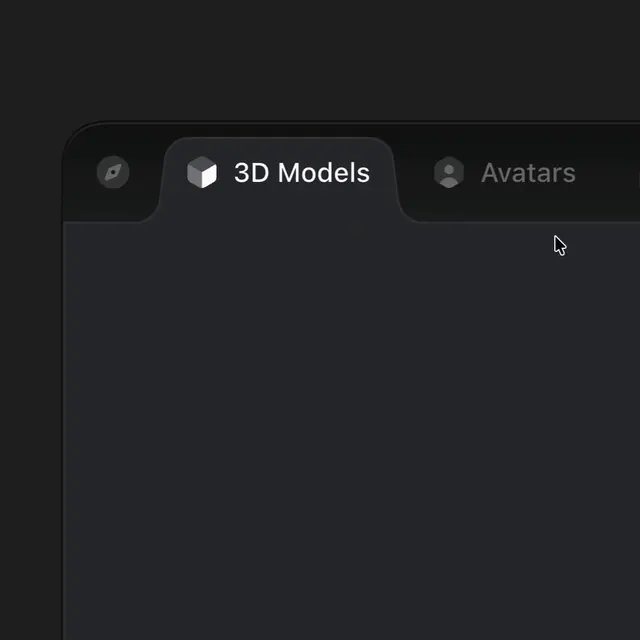
A subtle skewed hover effect for adjacent tab bar items, where hovering one tab causes neighboring tabs to subtly shift and skew in a dark UI component.
Summary
A subtle skewed hover effect for adjacent tab bar items, where hovering one tab causes neighboring tabs to subtly shift and skew in a dark UI component.
Visual description
A dark-themed user interface features a horizontal tab bar with rounded corners. The active tab, labeled "3D Models" with a cube icon, is highlighted with a medium-grey background. Adjacent unselected tabs include a compass icon and an "Avatars" tab with a person icon.
Key takeaway
Use subtle shifts in grey tones and rounded top edges to create a clear visual hierarchy for active and inactive navigation tabs.
Reuse notes
Reach for this as a ui screen reference. Pairs with minimal directions. Original by Sebastiano Guerriero.