Preview image. Unlock full-res
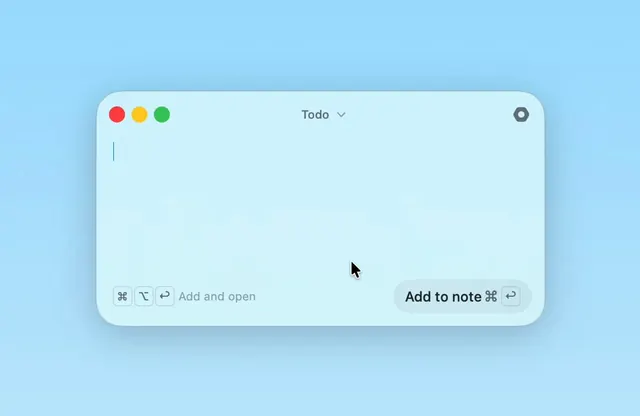
A minimal note app interface with a soft blue frosted window and a dropdown menu interaction.
Summary
A minimal note app interface with a soft blue frosted window and a dropdown menu interaction.
Visual description
A light blue UI window with rounded corners is centered on a solid blue background. The window contains a top navigation bar with three colored window controls, a "Todo" dropdown menu, and a search icon. At the bottom, a text input area features a keyboard shortcut icon and "Add and open" text on the left, and a prominent rounded "Add to note" button on the right.
Key takeaway
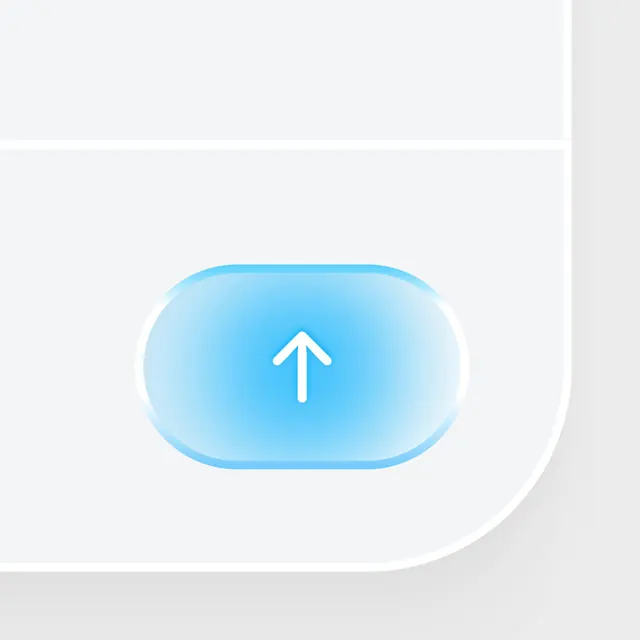
Use a high-contrast, pill-shaped primary action button anchored to the bottom right of a clean, minimalist input field.
Reuse notes
Reach for this as a ui screen reference. Pairs with minimal, clean directions. Original by alexey.