Preview image. Unlock full-res
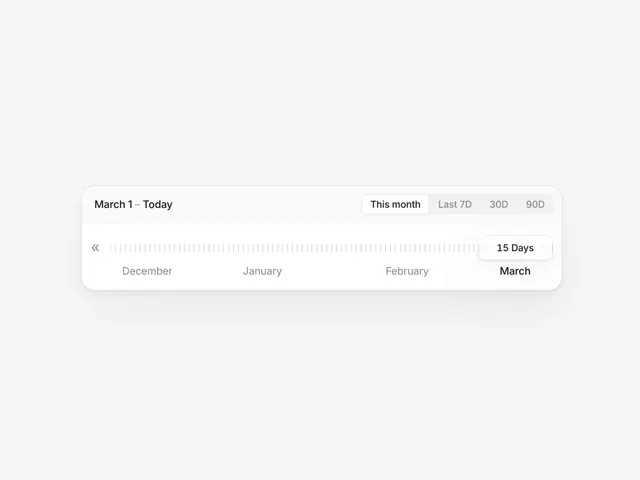
A clean date range slider interface shows month presets and changing day counts on a minimal white card.
Summary
A clean date range slider interface shows month presets and changing day counts on a minimal white card.
Visual description
A white rounded rectangular UI component centered on a light gray background. It features a date range on the left, a segmented control for time presets on the right, and a horizontal timeline below with vertical tick marks and month labels. A small white tooltip labeled 15 Days floats above the final segment of the timeline.
Key takeaway
Use a segmented control for quick presets paired with a granular timeline for precise range selection.
Reuse notes
Reach for this as a ui screen reference. Pairs with minimal, clean directions. Original by Kevin.