Preview image. Unlock full-res
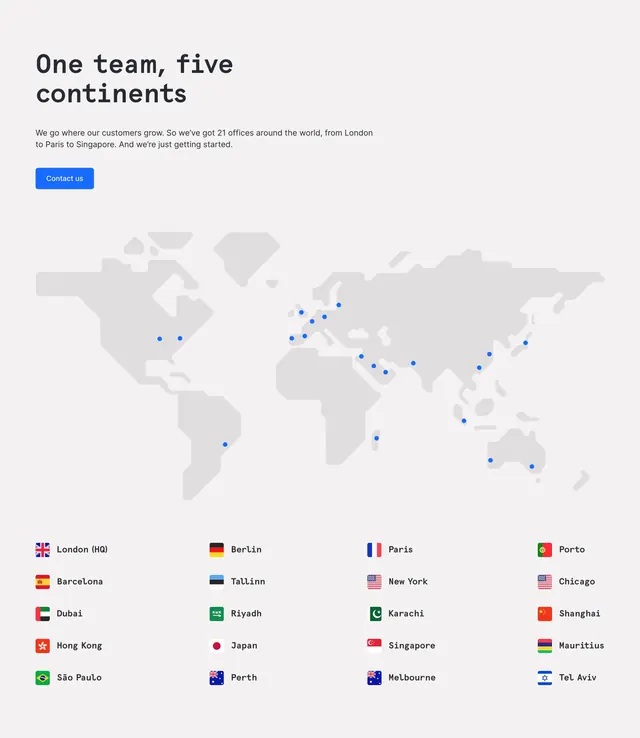
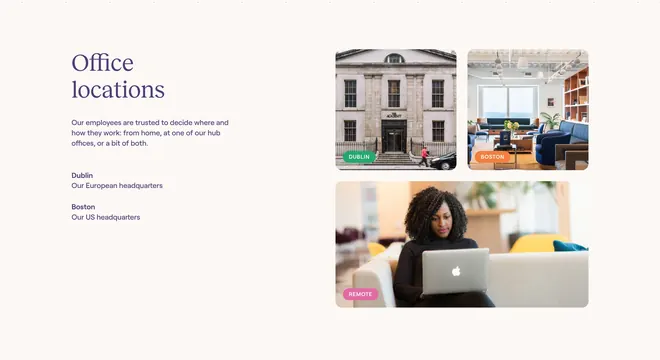
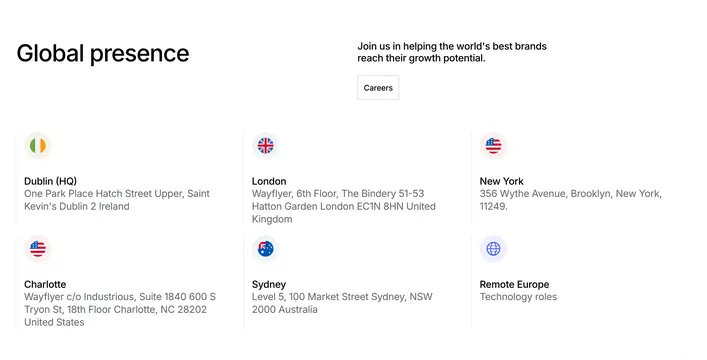
Office locations section with left headline, careers CTA, and a three-column grid of flag icons with addresses.
Summary
Global offices presented as a sparse grid of circular flag icons, city labels, and full addresses with a careers prompt in the header row.
Visual description
White section. Top row split: left bold "Global presence" heading; right short paragraph "Join us in helping the world's best brands reach their growth potential" with outlined grey "Careers" button below. Six location blocks in a three-by-two grid: circular flag or globe icon, bold city name (Dublin HQ, London, New York, Charlotte, Sydney, Remote Europe), and grey multi-line address or role note beneath each. Generous whitespace between columns; no connecting lines or map graphic.
Key takeaway
Replace a map with repeatable icon-title-address cells for clarity and easy CMS updates. Pair hiring CTA with presence copy so the section doubles as recruiting.
Reuse notes
Works for distributed companies with real addresses. Remote-only rows need a distinct non-flag icon as shown with the globe for Europe roles.