Preview image. Unlock full-res
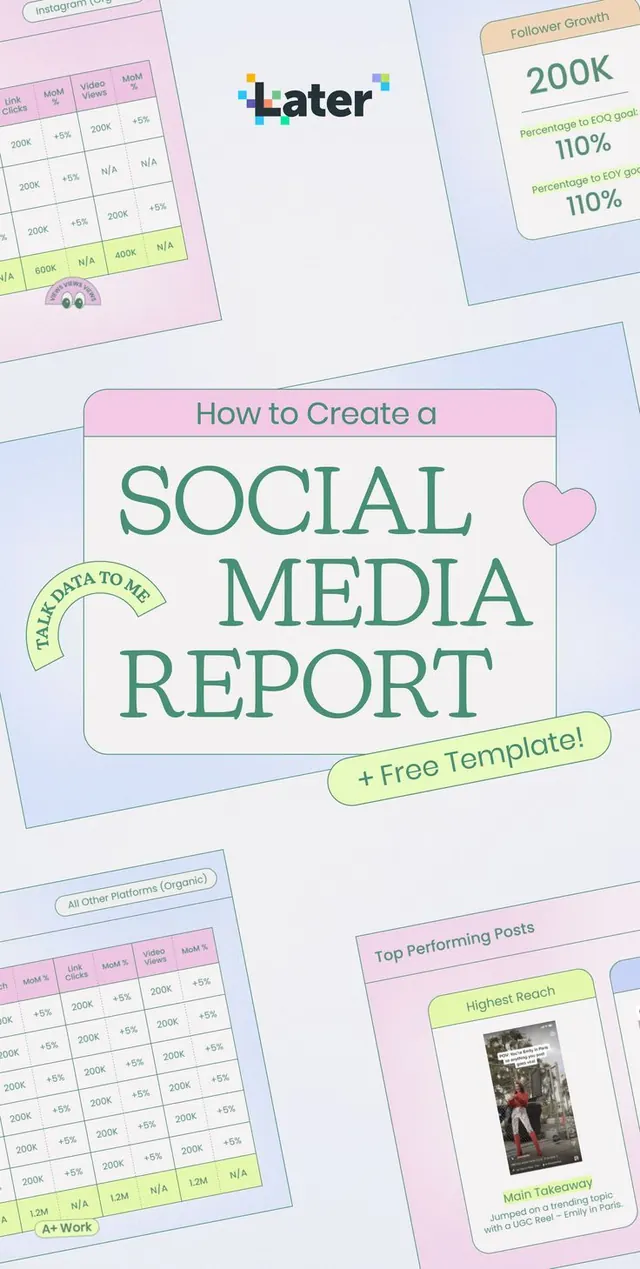
A pastel editorial-style poster promoting a social media report template with large serif headline typography and surrounding report mockups.
Summary
A pastel editorial-style poster promoting a social media report template with large serif headline typography and surrounding report mockups.
Visual description
The image shows a central poster-like cover with the headline "How to Create a SOCIAL MEDIA REPORT" in large green serif type inside a rounded white panel with a pink header strip. Around it are tilted report slides and UI-like analytics cards with tables, numbers, and small labels, all on a soft pastel background. A small heart sticker and a lime callout badge add decorative accents.
Key takeaway
Use a large centered title card surrounded by tilted preview sheets to make a static cover feel lively and content-rich. The soft pastel palette plus thin outlines and rounded corners create a friendly, polished editorial look.
Reuse notes
Use this treatment for lead magnets, report templates, webinar covers, and social posts where the goal is to make a practical resource feel approachable. It works best when you want a lightweight marketing visual that still hints at structured data inside.