Preview image. Unlock full-res
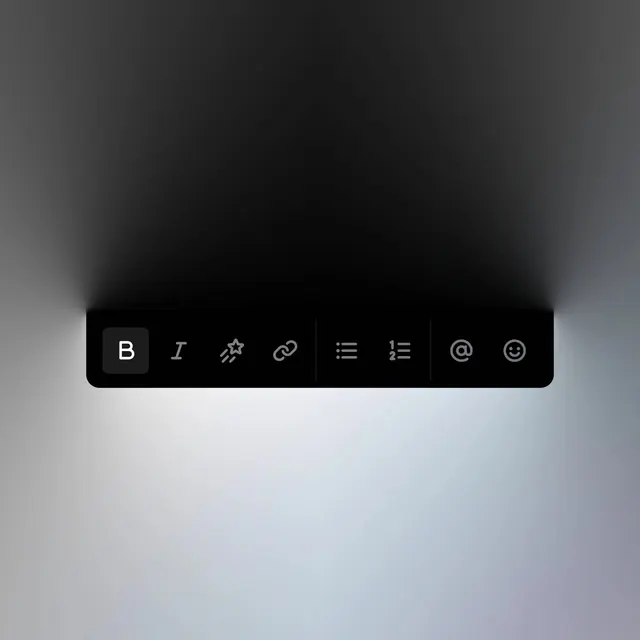
A minimalist dark-mode floating toolbar containing various text editing and communication icons set against a gradient background.
Summary
A minimalist dark-mode floating toolbar containing various text editing and communication icons set against a gradient background.
Visual description
A black rectangular toolbar with rounded corners is centered horizontally, featuring white icons for bold, italic, star, link, list, and emoji. The toolbar is surrounded by a soft, radial gradient that transitions from deep black at the top to a light grey at the bottom.
Key takeaway
Use high-contrast white icons on a dark, solid background to create a clear, focused interface element.
Reuse notes
Use this layout for floating action bars or context menus in dark-themed software applications.
More like this

Keep what you find
A free account saves references to boards and can send you a weekly email of picks based on what you save.
To see every result, go Pro.