Preview image. Unlock full-res
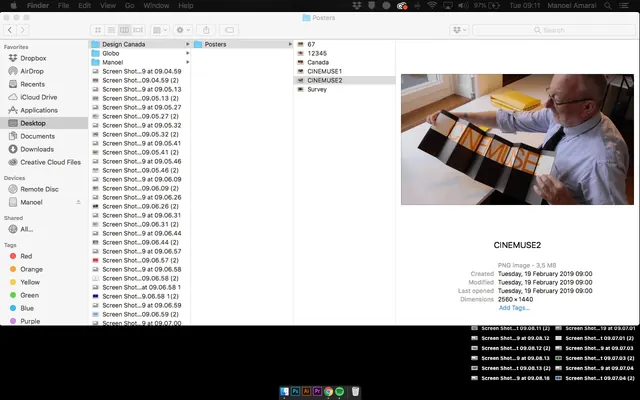
A screenshot of a macOS Finder window displaying a file directory and a preview pane for a file named 'CINEMUSE2' which shows a photograph of a man holding posters.
Summary
A screenshot of a macOS Finder window displaying a file directory and a preview pane for a file named 'CINEMUSE2' which shows a photograph of a man holding posters.
Visual description
The interface features a split-pane layout with a sidebar of favorites, a central file list, and a right-side preview pane. The preview pane displays a photograph of a man in a light shirt holding several dark posters with orange lettering, accompanied by file metadata text.
Key takeaway
Use a split-pane layout with a detailed preview pane to provide context for selected items in a data-dense list.
Reuse notes
Use this layout for file management systems or content libraries where users need to quickly scan names and see visual previews.
More like this



Keep what you find
A free account saves references to boards and can send you a weekly email of picks based on what you save.
To see every result, go Pro.