Preview image. Unlock full-res
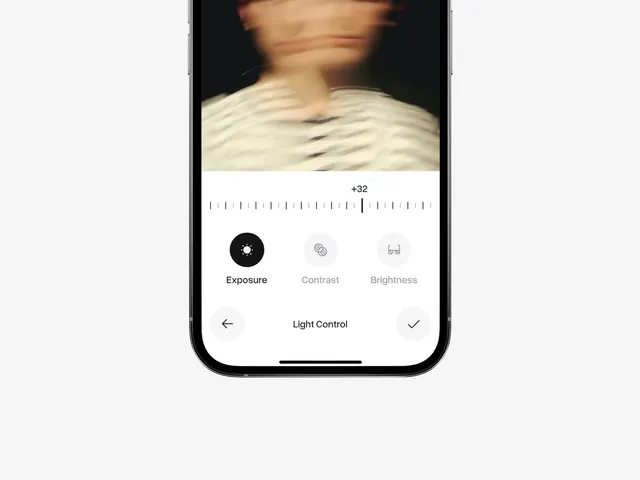
A mobile application screen showing a photo editing interface with exposure, contrast, and brightness sliders.
Summary
A mobile application screen showing a photo editing interface with exposure, contrast, and brightness sliders.
Visual description
The screen features a blurred photographic subject at the top, followed by a horizontal slider scale with a '+32' indicator. Below the scale, three circular icons for 'Exposure', 'Contrast', and 'Brightness' are arranged horizontally, with 'Exposure' highlighted in black. The bottom navigation bar contains a back arrow, the text 'Light Control', and a checkmark icon.
Key takeaway
Use high-contrast circular icons and a clean horizontal slider to make photo adjustment tools intuitive and accessible.
Reuse notes
Use this layout for mobile photo editing tools or any interface requiring granular parameter adjustments.