Preview image. Unlock full-res
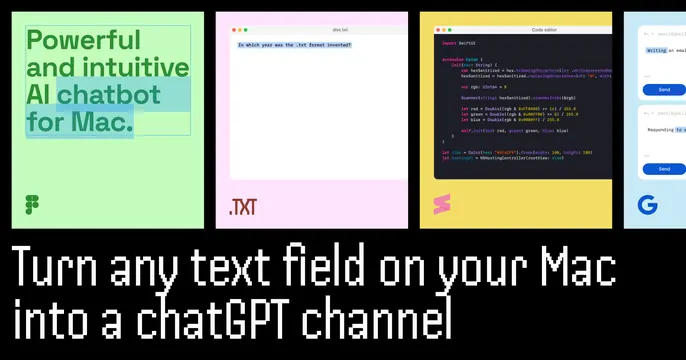
Dark OG card with a row of colorful app-window mockups across the top and a wide monospace headline about turning any Mac text field into a ChatGPT channel.
Summary
A dark card stacking a row of four bright app-window thumbnails over a wide monospace headline. The defining move is showing the utility working inside several different colored app contexts at once.
Visual description
Near-black background. The upper half holds four rounded app windows side by side, each with a traffic-light title bar and a distinct flat color: a mint-green design tool with the words "Powerful and intuitive AI chatbot for Mac.", a pink text editor, a yellow code editor full of syntax-colored code, and a blue chat panel with Send buttons. Below, a two-line headline in white monospace reads "Turn any text field on your Mac into a chatGPT channel." The monospace type and code window lean technical, while the candy colors keep it lively.
Key takeaway
Demonstrating a system-wide utility by tiling it across multiple differently colored app windows, so the viewer instantly grasps "this works everywhere." The monospace headline reinforces the developer-tool positioning.
Reuse notes
Good for a Mac utility, dev tool, or AI helper that lives across many apps and wants to prove ubiquity. The colorful window row carries the energy; keep the windows visually distinct. Monospace at this size reads as code-native but can feel cramped, so keep the headline short. Works on dark.
More like this


Keep what you find
A free account saves references to boards and can send you a weekly email of picks based on what you save.
To see every result, go Pro.