Preview image. Unlock full-res
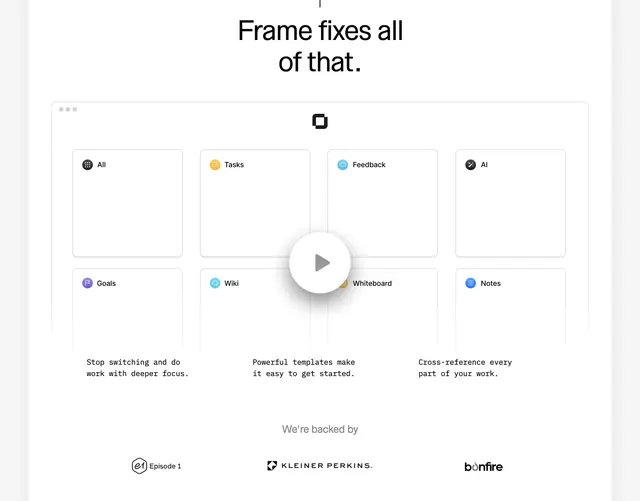
Light Frame section with a bold headline, an app-window feature grid with centered play button, monospace benefit captions, and investor logos below.
Summary
A centered Frame solutions block leading with a bold payoff headline, a faux app window showing eight module cards behind a play button, and a backed-by investor logo row.
Visual description
White background with generous vertical spacing. Large bold black sans-serif headline centered at top reads "Frame fixes all of that." Below, a light gray bordered rectangle styled like a desktop window with three traffic-light dots top-left. Inside, a 2x4 grid of white rounded cards, each with a small colored icon and label: All, Tasks, Feedback, AI, Goals, Wiki, Whiteboard, Notes. A large semi-transparent white circular play button sits centered over the grid. Under the window, three monospace captions in a horizontal row: "Stop switching and do work with deeper focus," "Powerful templates make it easy to get started," and "Cross-reference every part of your work." Bottom section: small gray "We're backed by" label, then three investor logos in a row: Episode 1, Kleiner Perkins, and Bonfire.
Key takeaway
The app-window frame turns a static feature grid into a believable product preview without a full screenshot. One play button over the grid signals video demo while the monospace captions underneath carry the value props in a developer-friendly voice.
Reuse notes
Strong pattern for productivity SaaS explaining modular workspaces or all-in-one tools. Works best when you have a real demo video behind the play overlay. Investor row pairs naturally with other Frame homepage sections in the same light, minimal system.