
Preview image. Unlock full-res
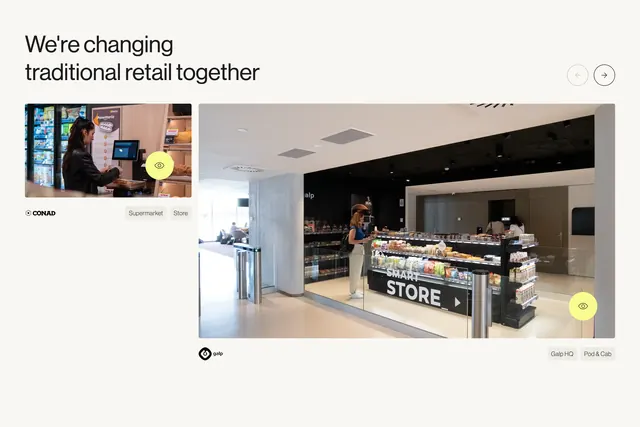
Bordered carousel of client story cards with category tags, yellow view icons, and a View all stories CTA.
Summary
Bordered carousel of client story cards with category tags, yellow view icons, and a View all stories CTA.
Visual description
Light cream page with headline Stories that justify the hype top left and circular arrow controls top right. Two carousel cards show unequal widths: a Glintt Life parapharmacy storefront card with Parapharmacy and Store tags, and a wider NOS leisure kiosk card with Leisure and Pod and Cab tags. Both photos carry a yellow circular eye icon overlay. Bottom right holds a dark rounded View all stories button with arrow.
Key takeaway
Visible card borders and unequal slide widths make a carousel feel editorial rather than a generic slider. Pairing every story with two format tags teaches visitors how to filter mentally before clicking through.
Reuse notes
Use when you have varied deployment types to label. Yellow accent icons create a repeatable interaction pattern across cards. Reserve the dark CTA for a single exit to the full stories index.
More portfolio sections
See all








More like this









Keep what you find
A free account saves references to boards and can send you a weekly email of picks based on what you save.
To see every result, go Pro.