Preview image. Unlock full-res
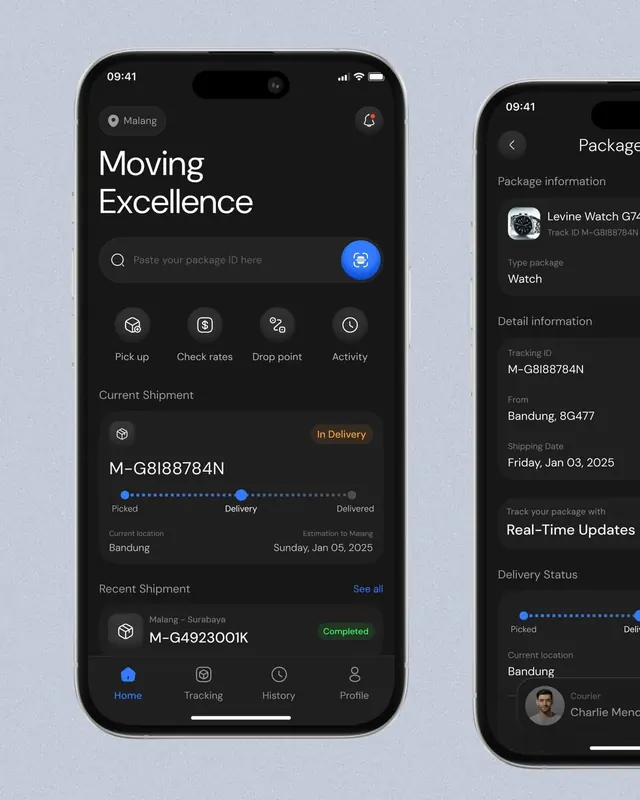
A logistics mobile app with dual-screen layout showing real-time package tracking with progress indicators and detailed shipment information against a dark interface.
Summary
A logistics mobile app dual-screen showing a package search interface with progress tracking on the left and shipment details panel on the right, all in dark theme.
Visual description
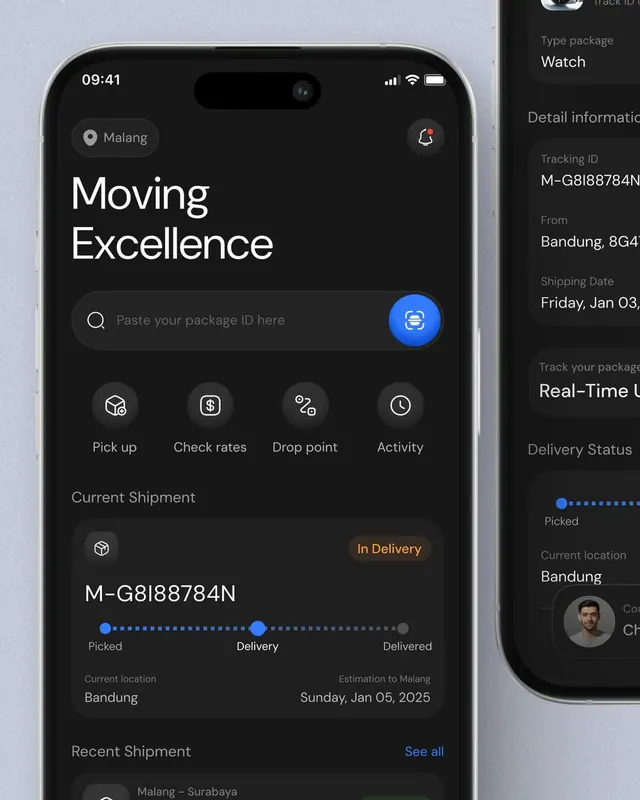
Left screen displays a hero section with "Moving Excellence" headline in large white sans-serif over a dark charcoal background, a search bar for package IDs, and four action buttons in a grid (Pick up, Check rates, Drop point, Activity with corresponding icons). Below is a current shipment tracking card showing a tracking ID, progress bar with three stages (Picked, Delivery, Delivered), and delivery estimate. A "Recent Shipment" section at the bottom shows a past delivery. Right screen zooms into package details: "Package information" header, product image (Levine Watch G74), tracking ID, type (Watch), and delivery status with address and courier name. Bottom navigation is present on the left screen with Home, Tracking, History, Profile. Blue accent color appears on buttons and status indicators; orange accent labels a status ("In Delivery").
Key takeaway
The clear hierarchical stacking of sections (search, current shipment, recent history) on the left, and the secondary detail panel that flips focus to individual item data without breaking the overall flow. The minimalist icon treatment paired with large readable labels.
Reuse notes
Strong reference for logistics, e-commerce delivery tracking, or multi-screen mobile flows. Works well when showing status progression or secondary detail panels. The dark theme reduces eye strain for frequent users checking package updates.
More like this
Keep what you find
A free account saves references to boards and can send you a weekly email of picks based on what you save.
To see every result, go Pro.