Preview image. Unlock full-res
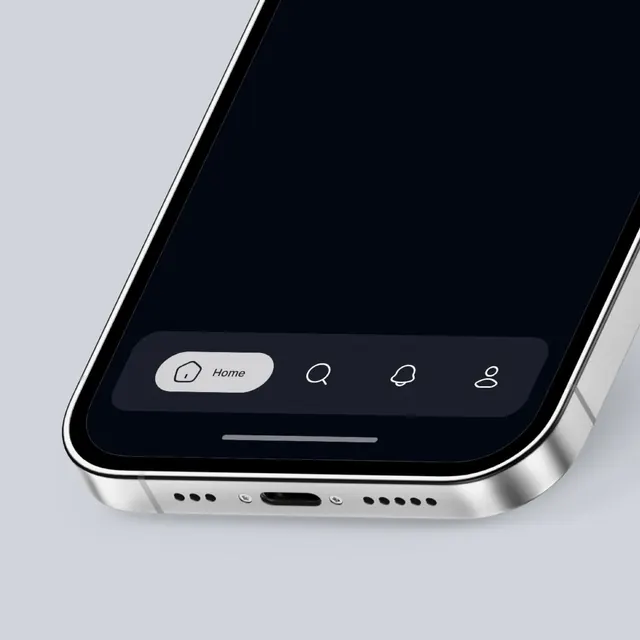
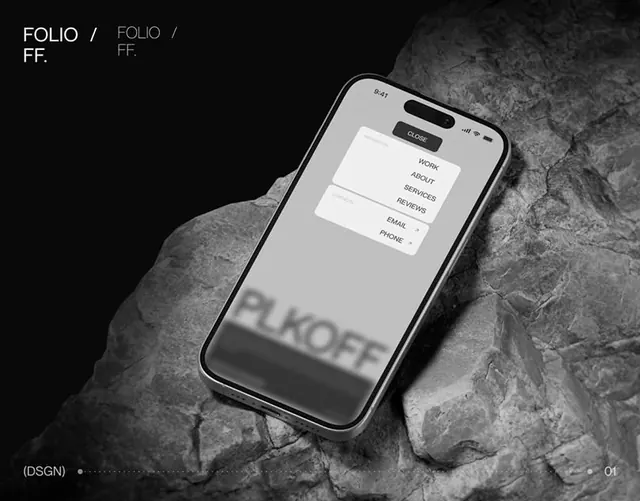
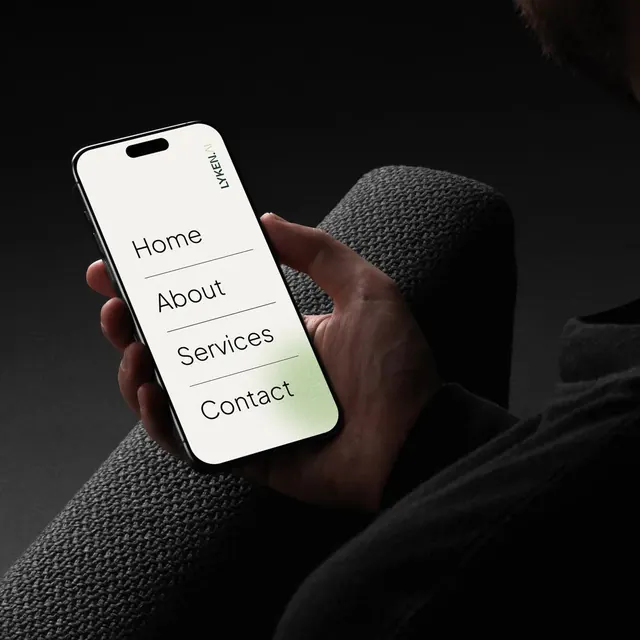
A smartphone mockup shows a minimalist mobile menu on a bright screen held in a hand against a dark background.
Summary
A smartphone mockup shows a minimalist mobile menu on a bright screen held in a hand against a dark background.
Visual description
A hand holds a black-edged smartphone at a slight angle on a dark textured surface. The phone screen is mostly white with large menu items reading Home, About, Services, and Contact, separated by thin horizontal lines, with a small vertical Lyken.AI wordmark near the top edge.
Key takeaway
Use strong dark negative space to isolate a bright device screen and make the interface the focal point. Keep the UI sparse with oversized typography and thin dividers for a refined, premium feel.
Reuse notes
Reach for this when presenting mobile navigation, app entry screens, or brand UI in a photorealistic context. It works best when you want the interface to feel elevated and editorial rather than utility-first.