Preview image. Unlock full-res
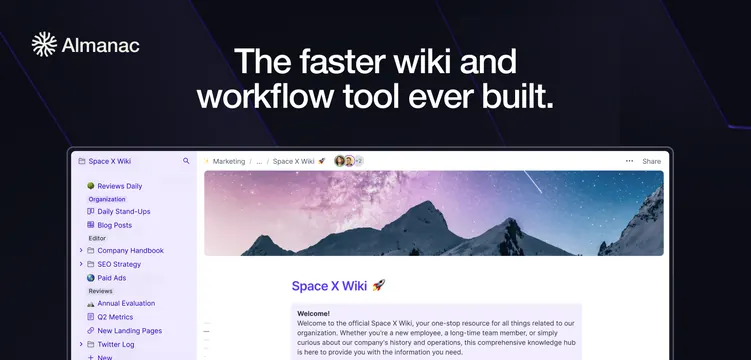
Dark navy card with a centered white headline above a bright product screenshot of a wiki app with a mountain hero.
Summary
A dark navy card with a short centered white headline sitting above a large, bright screenshot of the Almanac wiki app. The contrast between dark frame and light UI makes the product pop.
Visual description
On a deep navy-purple background, a small Almanac mark and wordmark sit top-left. A two-line centered white sans-serif headline reads "The faster wiki and workflow tool ever built." Below it, a large product screenshot of a "Space X Wiki" document fills the lower frame: a left sidebar nav, a toolbar, a mountain photo banner, and body text, shown in a light browser window that bleeds off the bottom edge.
Key takeaway
Floating a bright, detailed app screenshot inside a dark card creates strong figure-ground contrast that draws the eye straight to the product. Keeping the headline short and centered above the UI leaves the screenshot room to carry the lower two-thirds.
Reuse notes
Reliable default for a document, wiki, or productivity SaaS with a screenshot worth showing. Needs a genuinely clean UI capture since it is the hero. The dark surround flatters most light app screens; switch the headline to dark if the background goes light.