Preview image. Unlock full-res
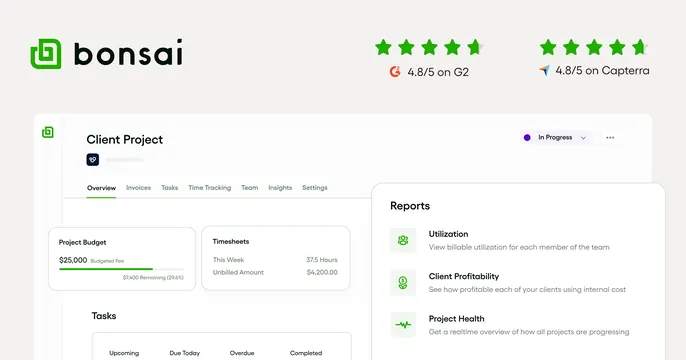
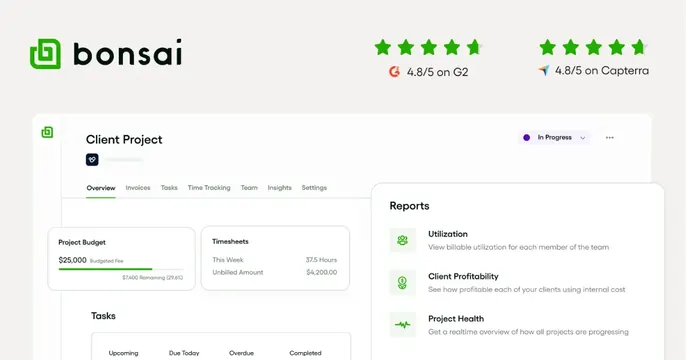
Light OG card pairing the green Bonsai logo and two review-star ratings up top with a cropped product dashboard UI below.
Summary
A light card that leads with the Bonsai logo and two 4.8/5 star ratings (G2 and Capterra), then shows a cropped, slightly tilted product dashboard with a floating Reports panel.
Visual description
On a warm off-white background, the top row places the green square Bonsai logo and black wordmark at left, and two rating clusters at right: five green stars with "4.8/5 on G2" and another with "4.8/5 on Capterra," each prefixed by its platform icon. Below, a rounded-corner screenshot of a "Client Project" dashboard fills the lower half: tabs (Overview, Invoices, Tasks, Time Tracking, Team, Insights, Settings), a Project Budget card with a green progress bar, a Timesheets card, and a Tasks list. A separate white "Reports" card floats over the right edge listing Utilization, Client Profitability, and Project Health with small green icons.
Key takeaway
Putting third-party star ratings directly beside the logo bakes social proof into the share preview itself. The floating secondary UI card over the main screenshot adds depth and highlights a key feature.
Reuse notes
Ideal for a B2B SaaS share card aimed at conversion, where credibility (review scores) plus a real product view matter. Best on a light, clean background. Caveat: the cropped UI assumes the viewer recognizes the product type; legibility of the tiny screenshot text is low at thumbnail size, so the ratings and logo do the heavy lifting.