Preview image. Unlock full-res
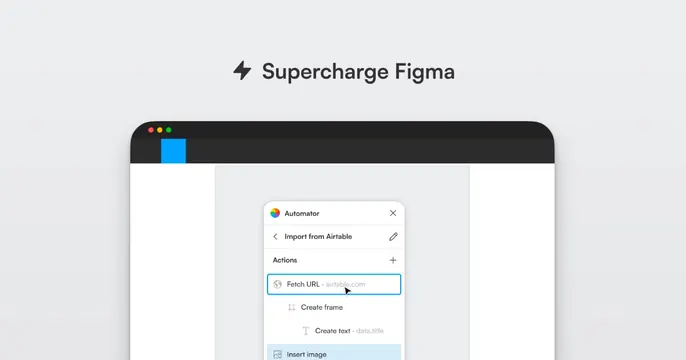
Light gray card with a centered "Supercharge Figma" headline above a browser mockup of the Automator plugin panel.
Summary
A clean light-gray card that states the value prop "Supercharge Figma" up top and proves it with a windowed mockup of the Automator plugin and its action list below.
Visual description
Soft light-gray background. Centered near the top, a small black lightning-bolt icon precedes the headline "Supercharge Figma" in a dark sans-serif. Below sits a dark-chrome browser/app window (three traffic-light dots, a bright blue accent tab) opening onto a white canvas. Floating on that canvas is the Automator plugin panel titled "Import from Airtable," listing sequential actions: "Fetch URL," "Create frame," "Create text," "Insert image," with a small cursor hovering the highlighted "Fetch URL" row. The product UI is the focal point; the rest is quiet negative space.
Key takeaway
Lead with a three-word benefit, then drop a single realistic plugin window directly under it so the card both says and shows what the tool does. The neutral gray backdrop lets the colorful product UI pop without extra decoration.
Reuse notes
A reliable pattern for a plugin, integration, or developer utility where the interface is the selling point. Needs a genuinely clean product screenshot; the action-list close-up works because it reads even when scaled down. Easy to retheme by swapping the window contents.