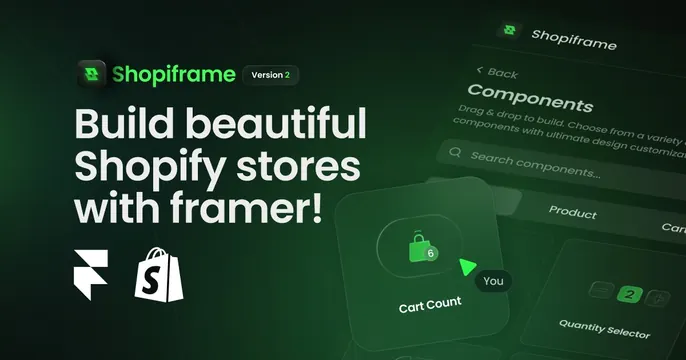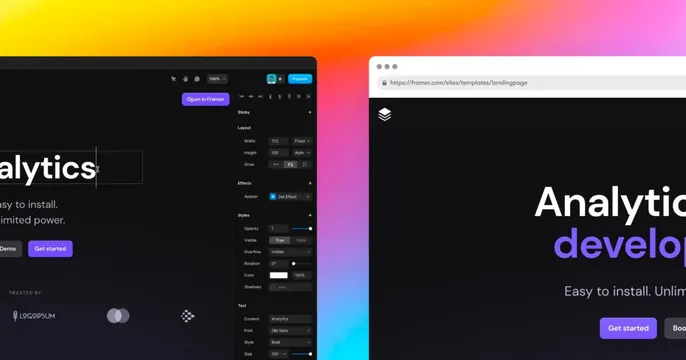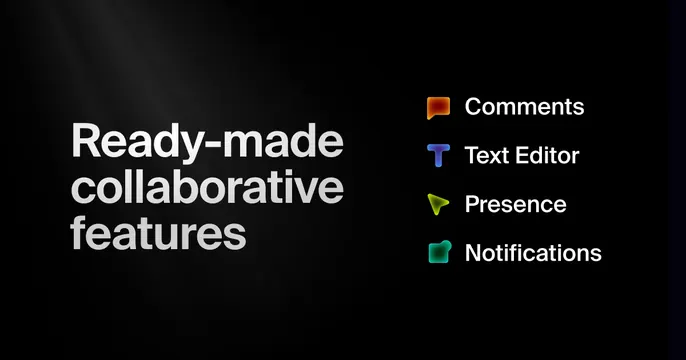
Preview image. Unlock full-res
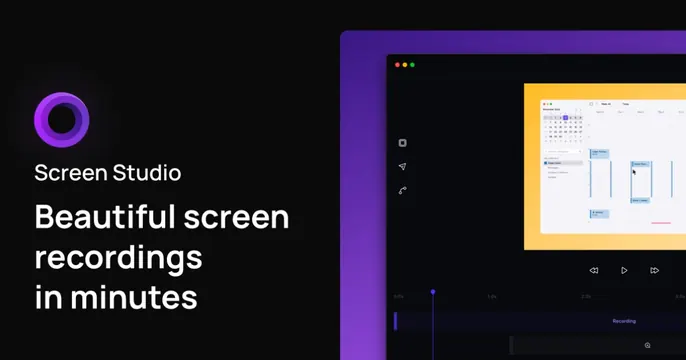
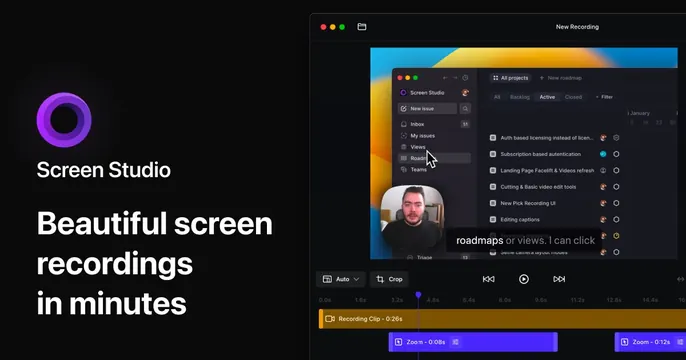
Dark split OG card for Screen Studio with the same left-side branding and a flat, detailed editor screenshot with a webcam bubble on the right.
Summary
A second Screen Studio OG card keeping the left-side branding identical but swapping in a flat, content-rich editor screenshot complete with a circular webcam bubble and caption.
Visual description
Near-black background. The left third repeats the purple ring logo, "Screen Studio" name, and the bold white three-line headline "Beautiful screen recordings in minutes." The right two thirds hold a large, mostly flat editor window titled "New Recording": on its canvas is a recording of a Linear-style project app with a roadmap list, a round webcam bubble of a person bottom-left, and a caption reading "roadmaps or views. I can click." Below sit Auto and Crop controls, playback buttons, and a yellow recording clip on the timeline with purple Zoom segments.
Key takeaway
Reusing the exact left-hand brand lockup across multiple cards while only varying the right-side screenshot, so a brand can ship a family of OG images that stay consistent but show different features.
Reuse notes
Good when you want a templated OG series. This variant shows more UI detail than its sibling, which demos the product richly but makes small text illegible at thumbnail scale. Keep the headline and logo fixed so the set reads as one system.