Preview image. Unlock full-res
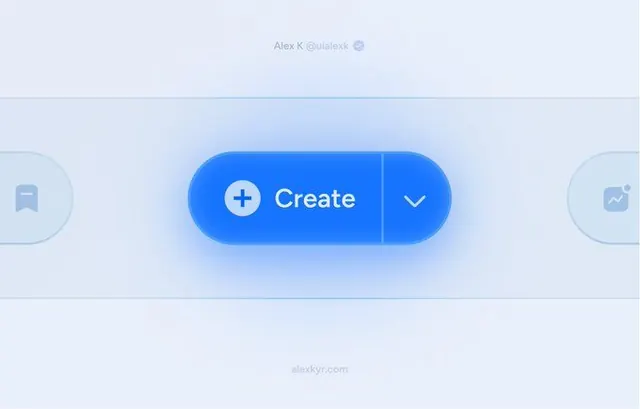
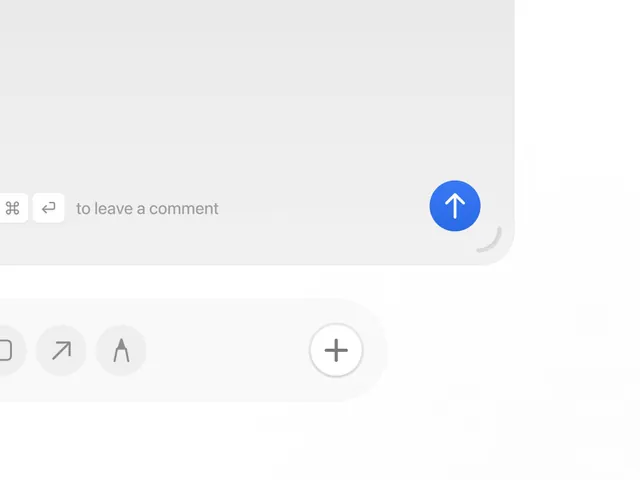
A comment input bar with icon controls and a bright blue send button, designed for adding annotations to a design canvas.
Summary
A comment bar interface with minimal formatting controls and a prominent blue call-to-action button, designed for adding annotations in a design or collaboration tool.
Visual description
The bottom of a design canvas shows a horizontal comment-input bar with light gray background and rounded corners. On the left are two icon buttons: a link/pin icon and a reply arrow icon, both in light gray. The center contains placeholder text "to leave a comment" in muted gray. On the far right, a solid blue circular button (bright, high-contrast) with a white upward arrow serves as the send control. Below the comment bar, partially visible are tool icons in a light gray toolbar: frame selection, diagonal arrow (move), pen/drawing tool, and a plus/add button, each in subtle gray outlines.
Key takeaway
The compact horizontal layout that keeps controls minimal while making the primary action (send) unmissable via color contrast. The icon-only toolbar uses consistent sizing and subtle outlines to stay non-intrusive until needed.
Reuse notes
Ideal for collaboration features, annotation systems, and design-software comment threads. Works well when the background canvas needs focus; the toolbar hiding most controls until hover would further reduce visual clutter. The blue accent is strong enough to guide users without overshadowing the canvas content.