Preview image. Unlock full-res
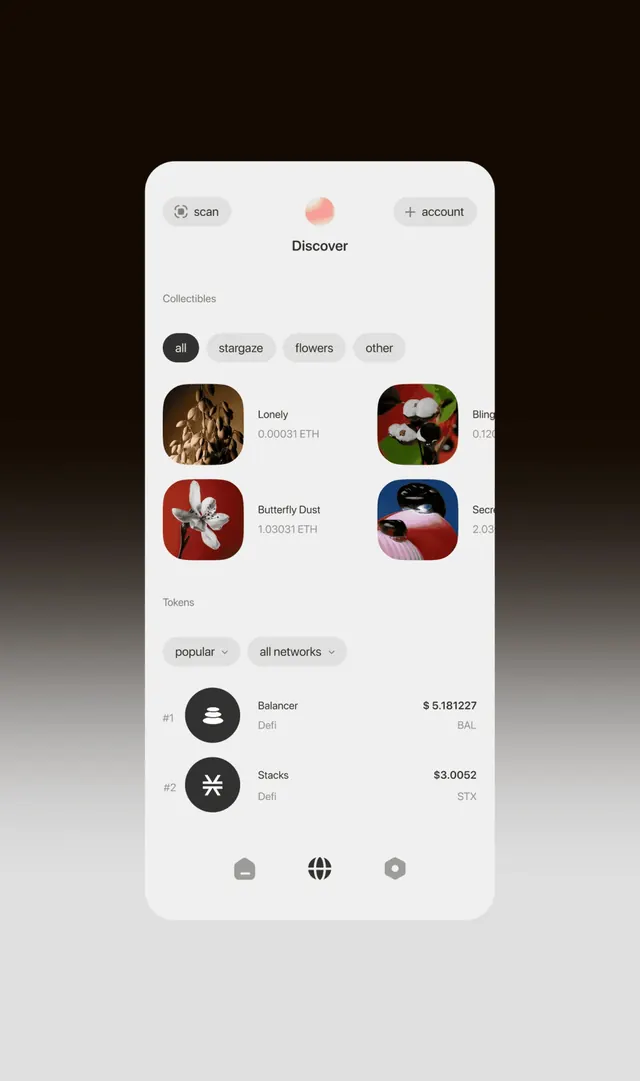
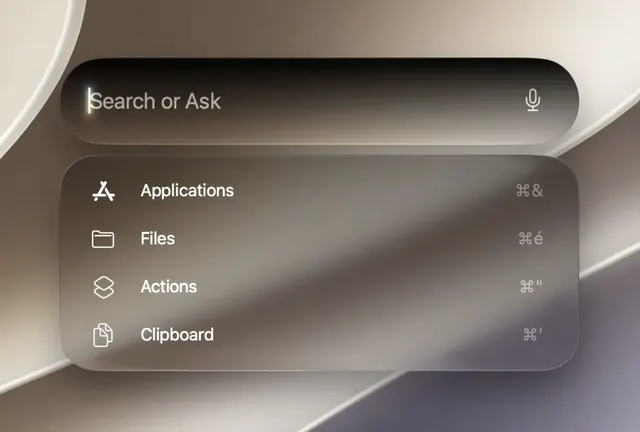
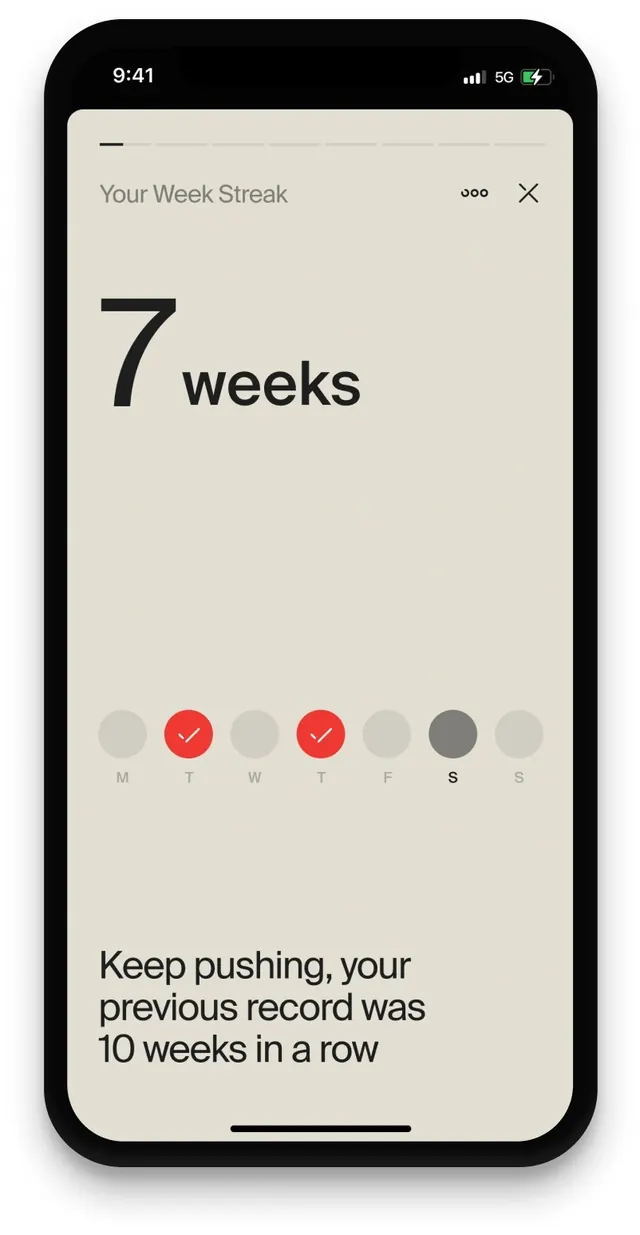
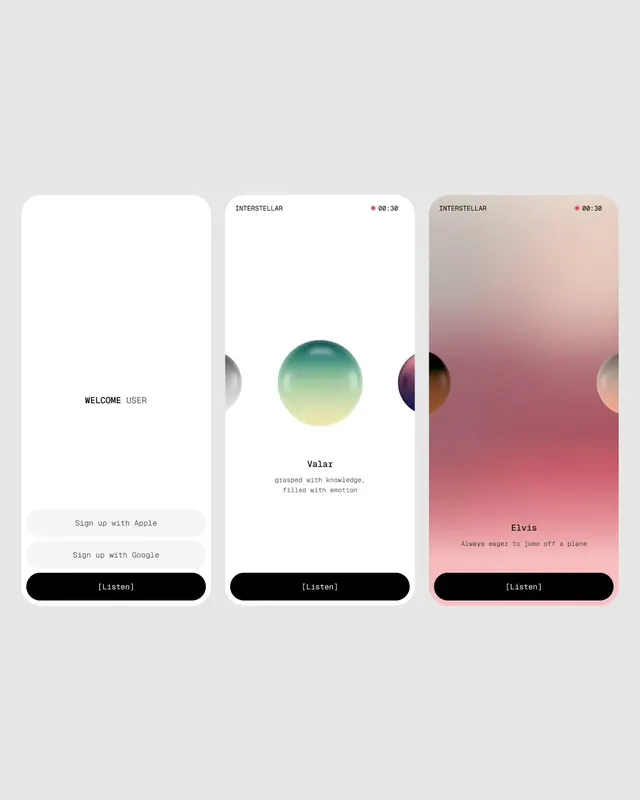
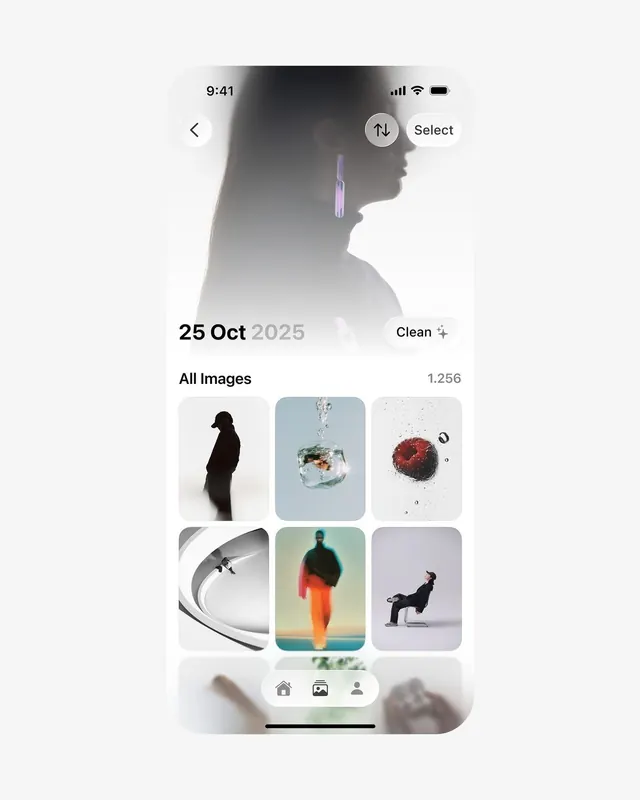
iPhone screenshot of a clean photo management app showing a hero profile photo, date header, and a 2x3 grid of curated image thumbnails.
Summary
Light iOS app interface for browsing photos with a large hero image of a woman, "25 Oct 2025" header, clean filter, and neatly spaced grid of six artistic photo thumbnails below.
Visual description
White rounded phone frame on light gray background. Status bar shows 9:41. Hero area has a desaturated profile photo of a woman with long straight hair and a long purple dangling earring, backlit. Overlaid UI: back arrow, sort and "Select" pills, bold date "25 Oct 2025", "Clean" pill with sparkle icon. Section "All Images" with count "1,256". Grid shows six rounded cards: dark silhouette of person, glass sphere with fish and bubbles, raspberry with water drops, abstract white architectural curve with tiny figure, person in orange jacket against teal, person in dark clothes seated on modern chair. Bottom nav bar with home, grid, profile icons.
Key takeaway
Very clean, spacious mobile gallery UI with prominent date-driven hero and curated visual grid. The soft background treatment on hero and consistent card rounding create a calm, premium feel.
Reuse notes
Strong reference for photo library, gallery, or media management UIs in consumer apps. The date + clean filter pattern and artistic thumbnail selection work for lifestyle or creative tools. Light mode, generous spacing.