Preview image. Unlock full-res
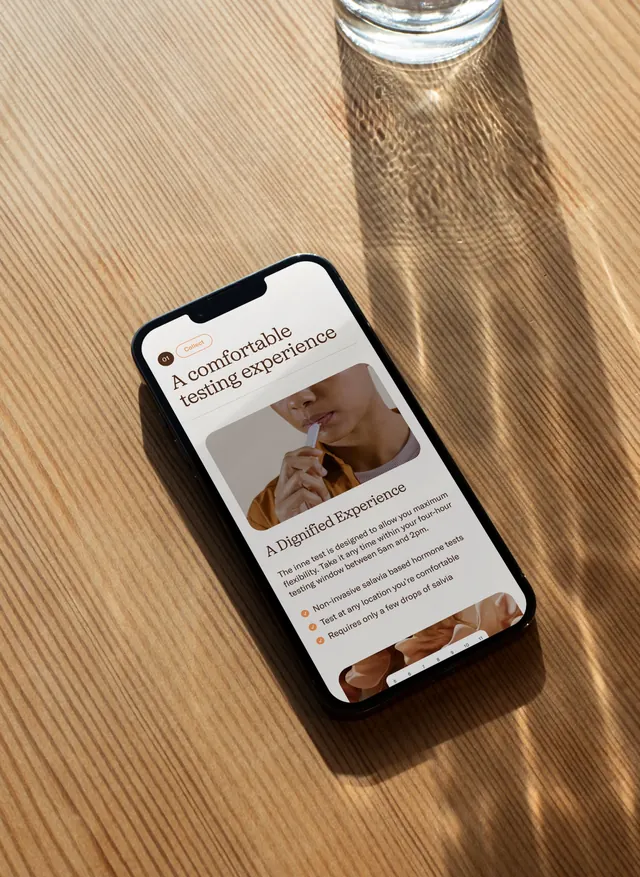
A mobile app screen is shown in a phone mockup on a sunlit wooden table.
Summary
A mobile app screen is shown in a phone mockup on a sunlit wooden table.
Visual description
A black smartphone lies diagonally on a light wooden tabletop with strong diagonal sun shadows and a glass at the top edge of the frame. The phone displays a clean, editorial-style mobile interface with a large serif headline, a rounded image card, supporting body text, and small bullet points in warm brown tones.
Key takeaway
Use a high-contrast product mockup against a tactile real-world surface to make the UI feel premium and grounded. Pair oversized serif headlines with plenty of white space and rounded content cards for an editorial app feel.
Reuse notes
Works well for lifestyle, wellness, or premium consumer product pages that need a soft but polished tone. Reach for this when the goal is to make a digital interface feel like a designed object rather than a generic screen capture.