Preview image. Unlock full-res
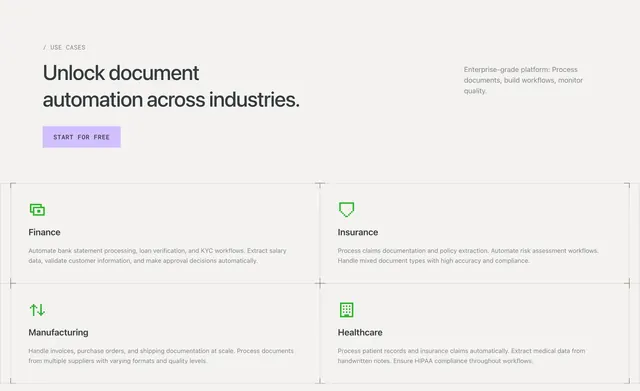
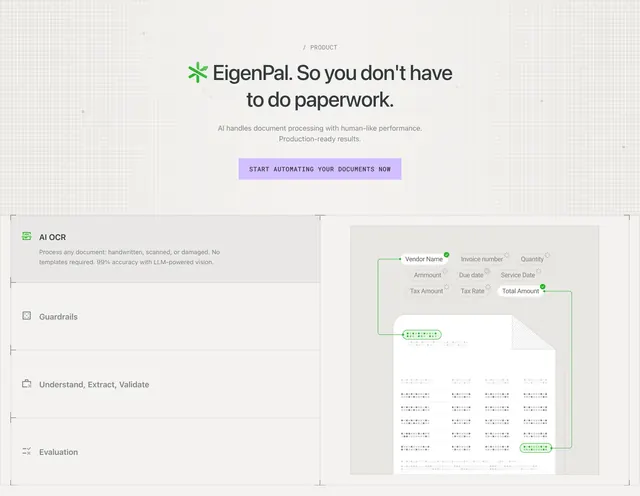
Product section with hero CTA and split tabbed feature panel showing AI OCR extraction diagram on invoice mock.
Summary
Combined product hero and interactive-style feature panel with left tab list and right OCR field extraction visualization.
Visual description
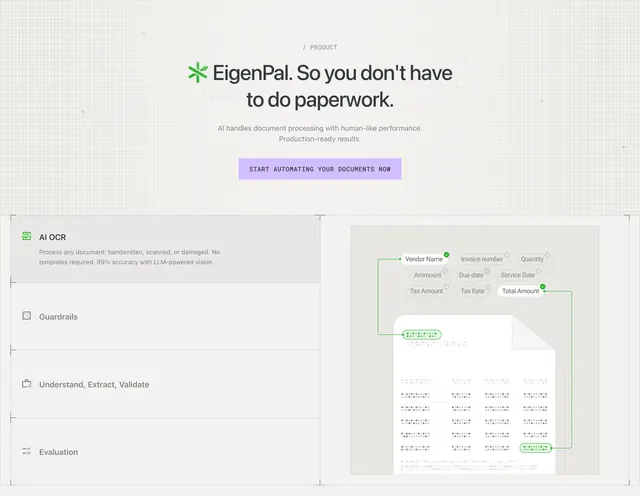
Top: "/ PRODUCT" label, EigenPal logo inline in headline "So you don't have to do paperwork," sub-copy, lavender CTA. Below bordered split panel: left vertical list of four features (AI OCR selected with grey highlight, Guardrails, Understand Extract Validate, Evaluation) with icons; right shows simplified invoice graphic with green connector lines from field tags (Vendor Name, Total Amount, etc.) to document areas and checkmarks.
Key takeaway
Stacking compact hero above an in-section product demo instead of a separate page. Green extraction lines make abstract OCR instantly legible.
Reuse notes
Document AI or IDP product pages. Tab panel needs real feature depth; placeholder tabs weaken the pattern.