Preview image. Unlock full-res
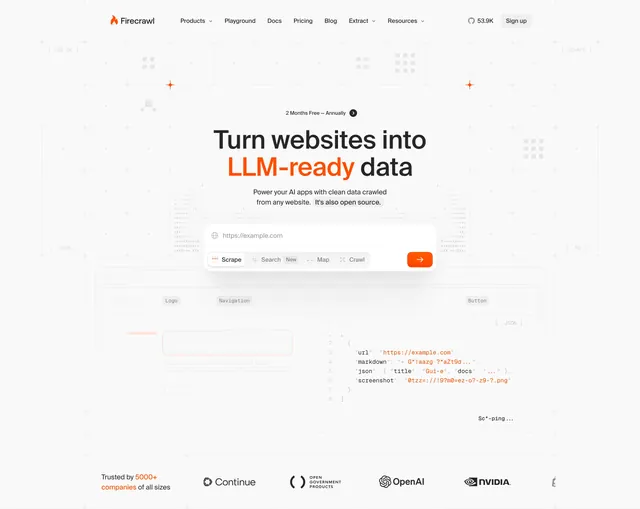
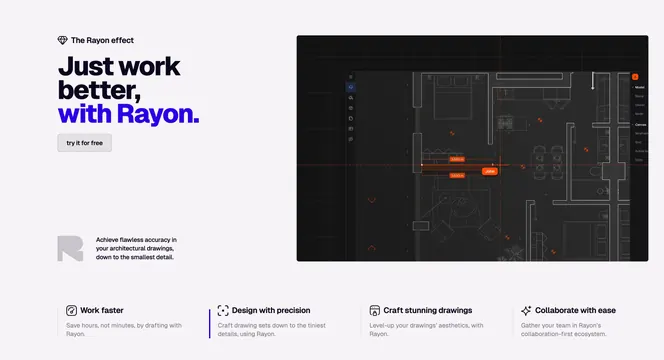
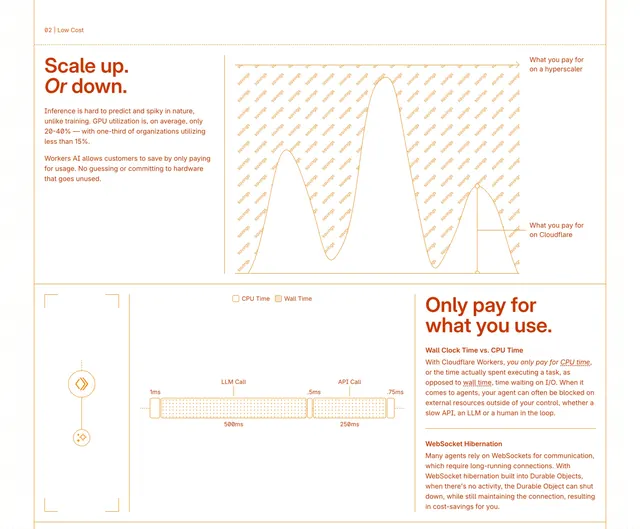
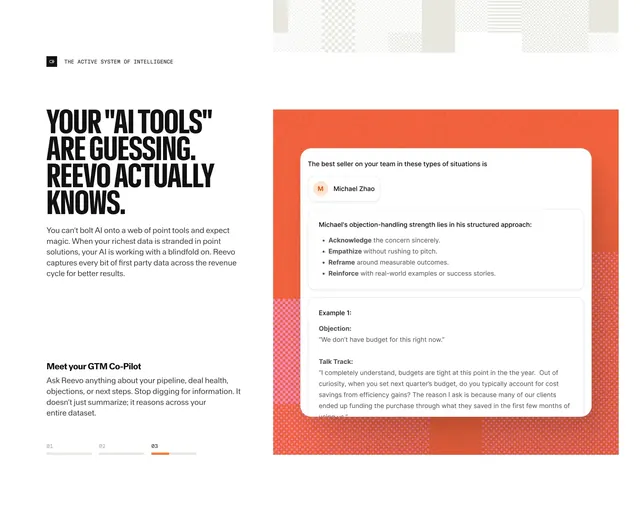
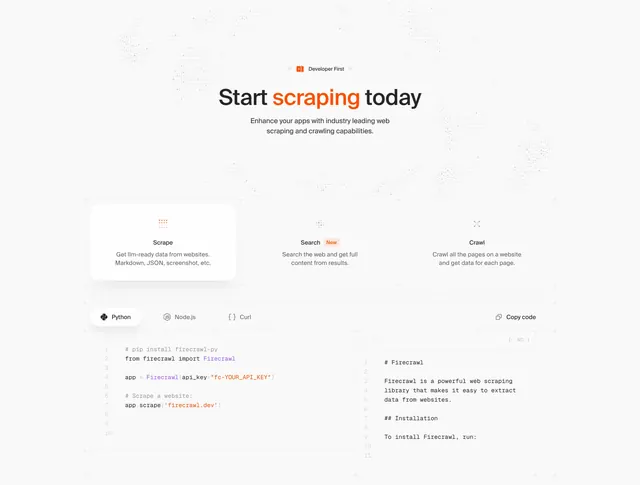
Light features section with an orange-accented centered headline, a three-card capability row, and language-tabbed code panels showing input and Markdown output.
Summary
A light, developer-focused features section that opens with a centered "Start scraping today" headline (the verb in orange), presents three capability cards (Scrape, Search, Crawl), and then shows side-by-side code panels with language tabs. The defining element is the live-code demo treating the API itself as the feature visual.
Visual description
On an off-white background patterned with a faint dotted world-map texture, a small "Developer First" pill with an orange icon sits above a centered black headline whose middle word "scraping" is orange, followed by two muted sub-copy lines. Below, three equal capability cards run across: "Scrape", "Search" (with a small orange "New" badge), and "Crawl", each with a small grid-style icon, a bold title, and a short gray description; the first card is elevated white while the others are flat. Beneath a window-chrome bar, a tab row offers "Python", "Node.js", and "Curl" with a "Copy code" button at the right, then a syntax-highlighted Python snippet (purple and orange tokens, gray line numbers) on the left and a Markdown ".MD" output panel on the right.
Key takeaway
Using a tabbed, syntax-highlighted code block as the primary feature visual, which sells a developer tool more honestly than a screenshot. The input-to-output pairing (code on the left, rendered Markdown on the right) that shows the product working in one glance. The language tabs plus copy button that signal a real, multi-runtime API.
Reuse notes
Best for API-first and developer products where showing actual code builds trust. Requires real, legible snippets; placeholder or fake code undercuts the whole section. The faint map texture is decorative and can be dropped on busier pages without losing the structure.