Preview image. Unlock full-res
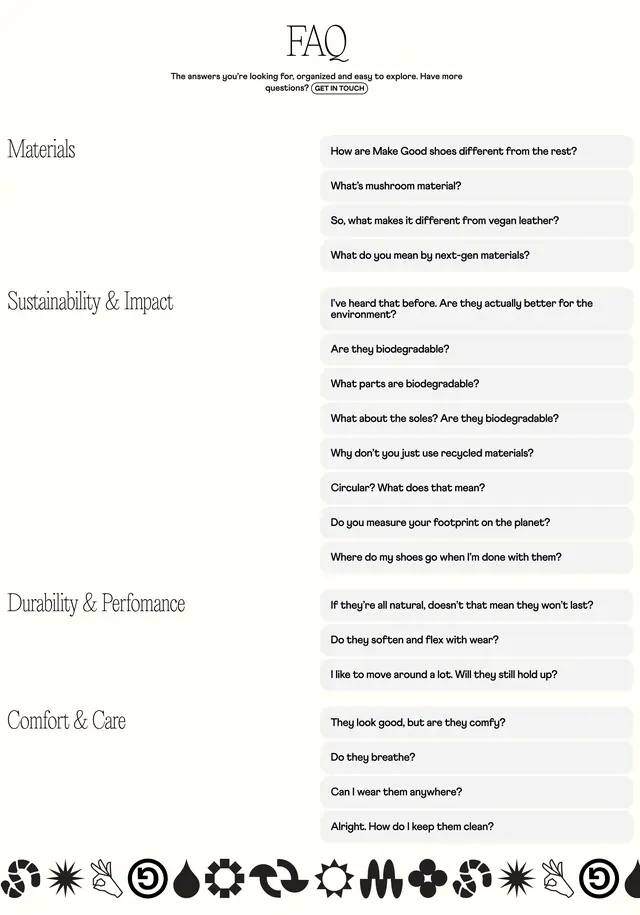
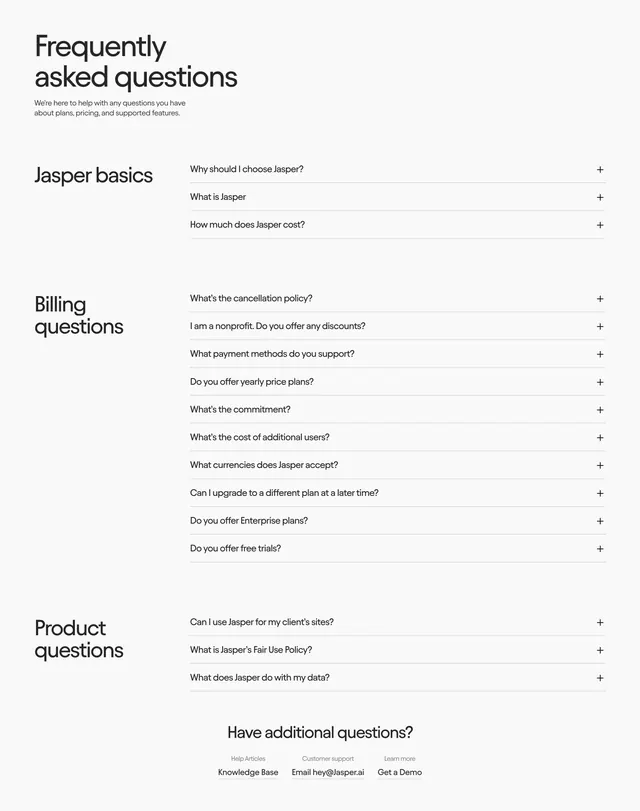
Two-column FAQ with category labels in a left rail and grouped accordion questions on the right, closing with a support contact row.
Summary
A long FAQ organized into three labeled groups, with the category name set large in a left rail and its collapsed questions stacked on the right. The grouping turns a long question list into a scannable, sectioned reference.
Visual description
A big two-line black sans-serif title "Frequently asked questions" with a short grey intro sits top-left. Below, three category clusters run down the page: "Jasper basics", "Billing questions", and "Product questions", each set as a large heading in the left column with its questions listed to the right. Each question is a single line of dark text on a thin divider with a plus sign at the far right, signaling expandable accordion rows. A centered "Have additional questions?" prompt closes the section above a three-item support row (Knowledge Base, Email, Get a Demo) with small grey labels.
Key takeaway
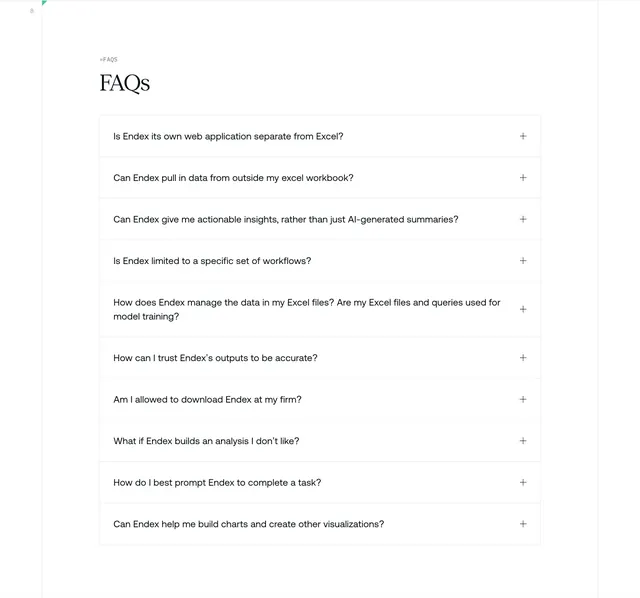
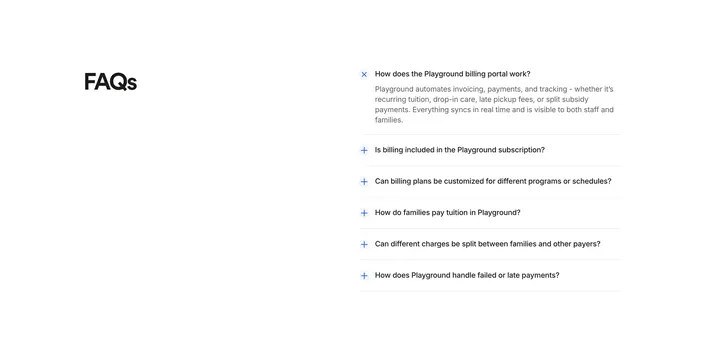
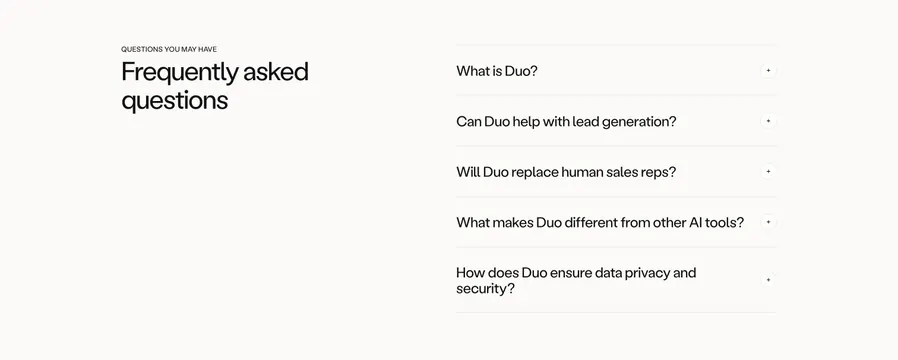
Splitting FAQs into named groups with the category set large in a left rail makes a long list feel structured instead of endless. The thin-divider rows with a single plus keep dozens of items quiet and uniform. The closing support row gives users a next step when their question is not listed.
Reuse notes
Reach for this when you have a genuinely long FAQ that benefits from categorization, such as billing-heavy SaaS pricing pages. Works on light backgrounds where the hairline dividers carry the structure. If you only have a handful of questions, a single-column accordion is lighter than this two-column rail.