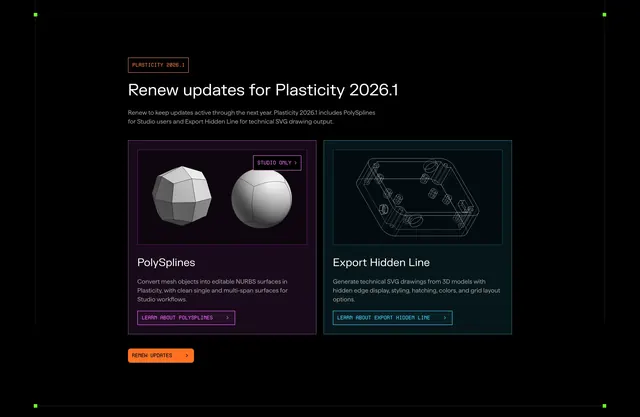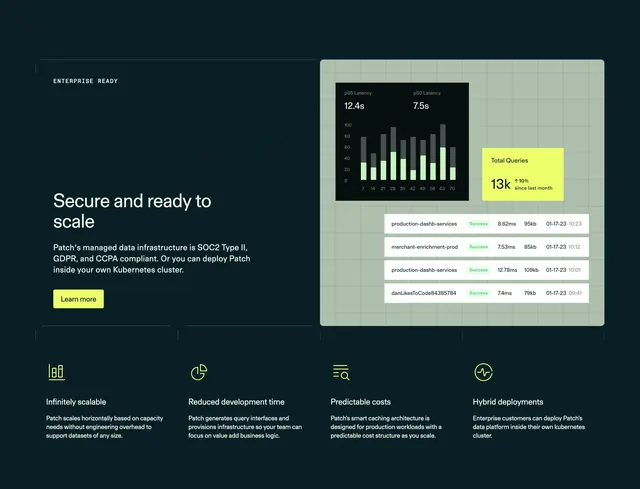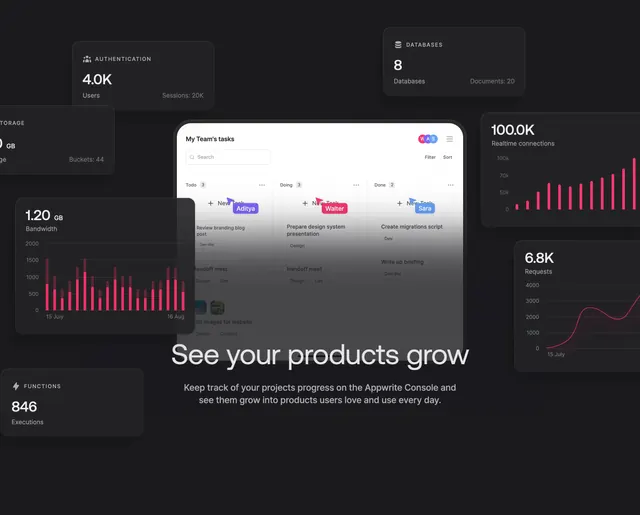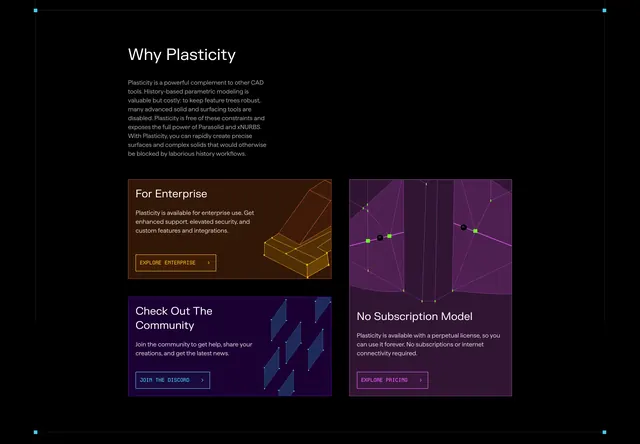
Preview image. Unlock full-res
Dark stacked feature list pairing 3D model screenshots with color-coded square icons and capability copy.
Summary
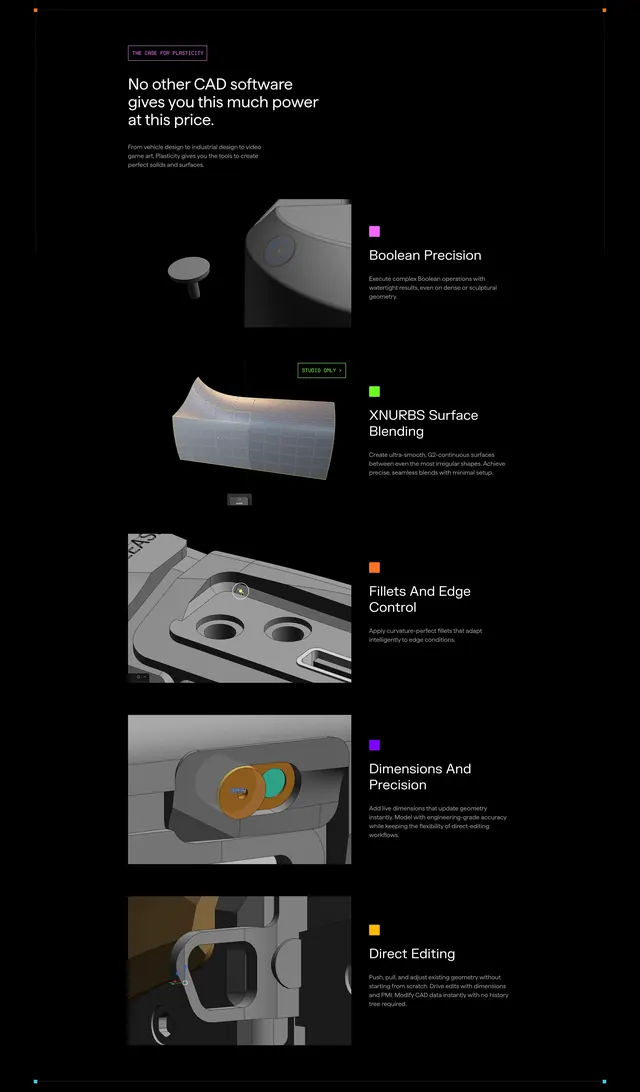
A black Plasticity section listing five CAD capabilities, each with a 3D render on the left and a color-square icon beside headline and description on the right.
Visual description
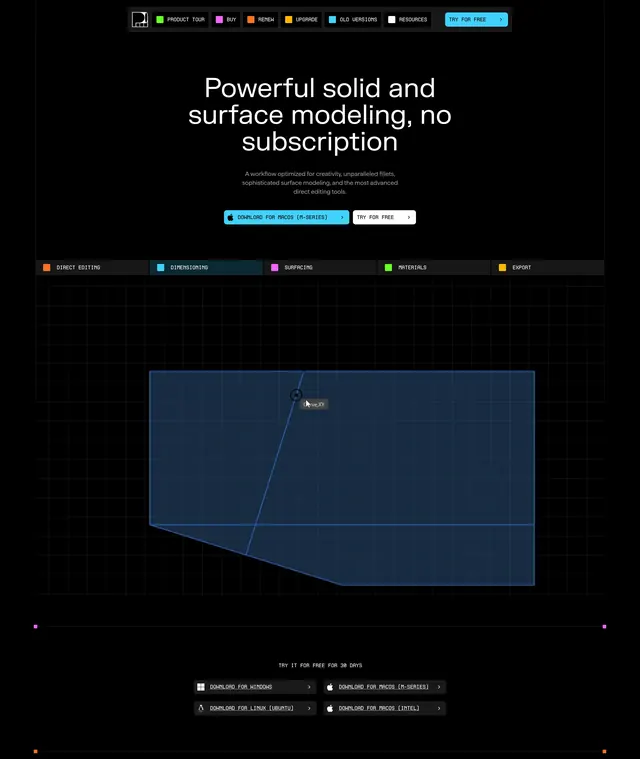
Pure black background. Pink-bordered tag "THE CASE FOR PLASTICITY" above a large white headline on pricing and power, with gray subcopy on solids and surfaces for vehicle, industrial, and game art. Five feature rows follow a consistent pattern: rounded 3D screenshot left, small colored square icon (pink, green, orange, purple, yellow) beside white feature title and gray description right. Features cover Boolean Precision, XNURBS Surface Blending (with green STUDIO ONLY badge on its render), Fillets And Edge Control, Dimensions And Precision, and Direct Editing with a visible transform gizmo.
Key takeaway
Color-square icons create a visual index across long feature lists without custom illustrations per row. Real 3D viewport captures beat abstract icons for pro tools. Studio-only badge on one row signals tier differentiation inline.
Reuse notes
Built for technical products where screenshots are the hero. Black background is mandatory; light mode would lose contrast. Rows are long; consider sticky nav or section anchors for many items.