Preview image. Unlock full-res
Light charging section with a full-width outdoor charger photo and a split headline-and-copy row with Explore charging CTA below.
Summary
Light charging section with a full-width outdoor charger photo and a split headline-and-copy row with Explore charging CTA below.
Visual description
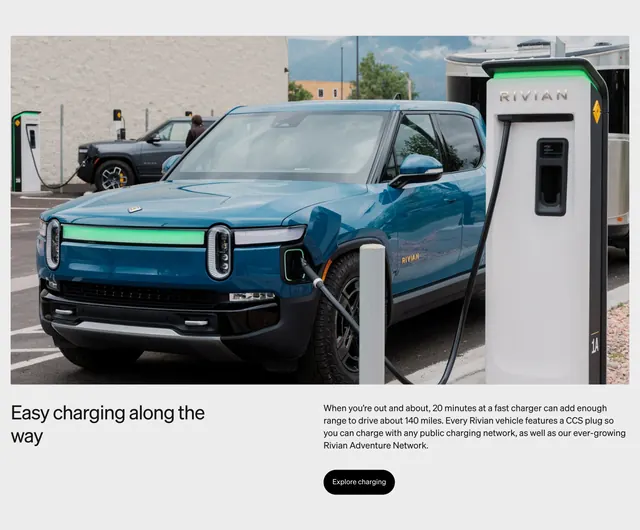
Large outdoor photograph across the top: a Rivian Blue R1S plugged into a tall white Rivian charging pedestal with green light bars on the vehicle front and charger indicating active charging. A grey R1T charges in the background with mountains beyond. Below on off-white, a two-column text row: left has Easy charging along the way in large black sans-serif; right holds body copy about 20-minute fast-charge range and CCS compatibility with the Rivian Adventure Network, plus a black pill Explore charging button.
Key takeaway
The charging state is communicated through product lighting in the photo, not UI badges. Splitting a short headline left and explanatory copy right under a single hero image keeps the section compact while still feeling editorial.
Reuse notes
Good template for EV or infrastructure brands explaining public charging. The green indicator gives a clear visual hook for active charging. Needs a strong location photo; the text block is intentionally minimal.
More feature detail sections
See all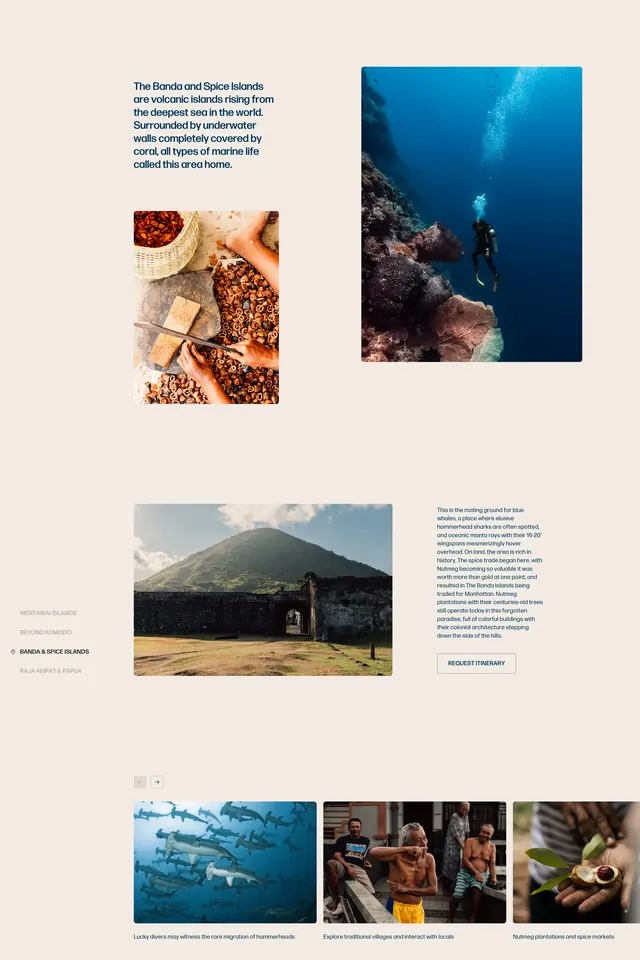





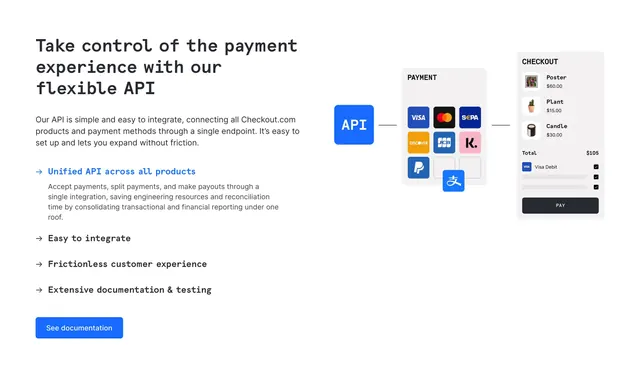
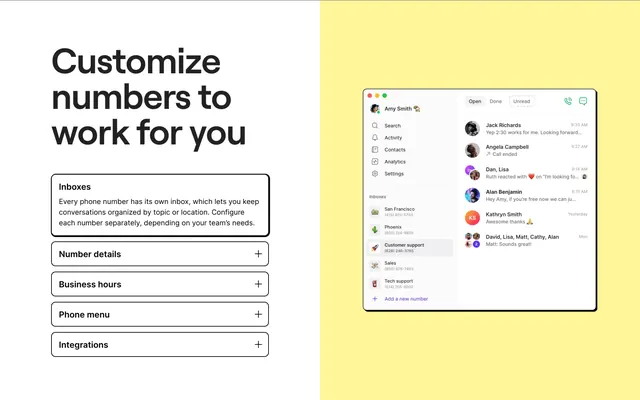
More like this







Keep what you find
A free account saves references to boards and can send you a weekly email of picks based on what you save.
To see every result, go Pro.