Preview image. Unlock full-res
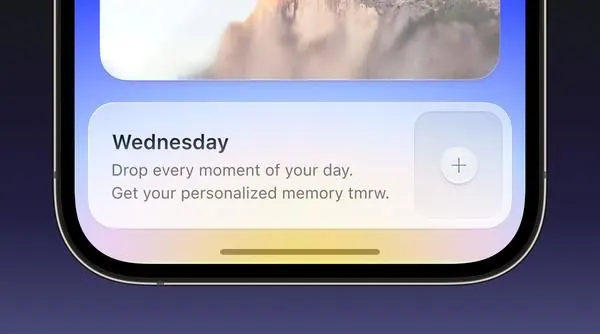
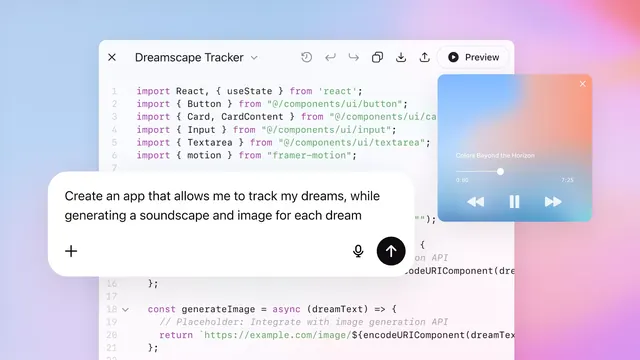
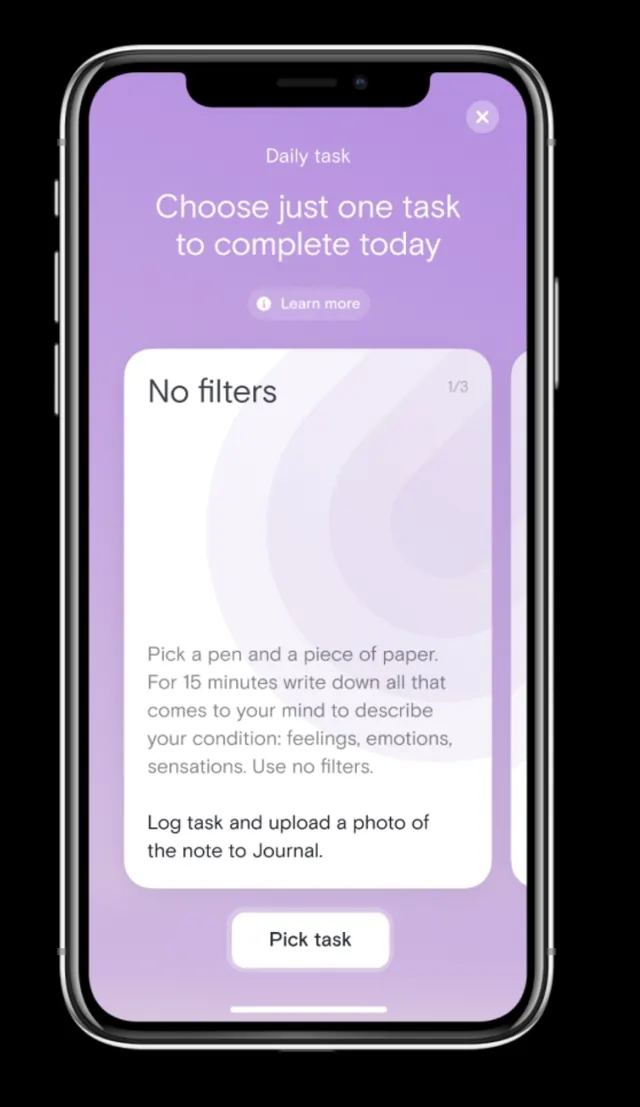
Mobile app UI in soft purple-violet gradients showing a task-management interface with card-based content blocks and action buttons.
Summary
A soft purple-gradient mobile task app UI showing a daily task selector with status text, card-based filter options, and a centered call-to-action button on a light violet background.
Visual description
iPhone screen with a soft purple-to-pale-lavender vertical gradient background. At the top: a banner reading "Daily task" with white sub-copy. Below, a white rounded card container with left-aligned copy "Choose just one task to complete today" and secondary gray text. Further down, another card showing "No filters" with body copy explaining the filter concept. A secondary card follows with instructions to pick a pen and paper. At the bottom, a centered button labeled "Pick task" in soft violet. All type is left-aligned except the button, which is centered and button-prominent.
Key takeaway
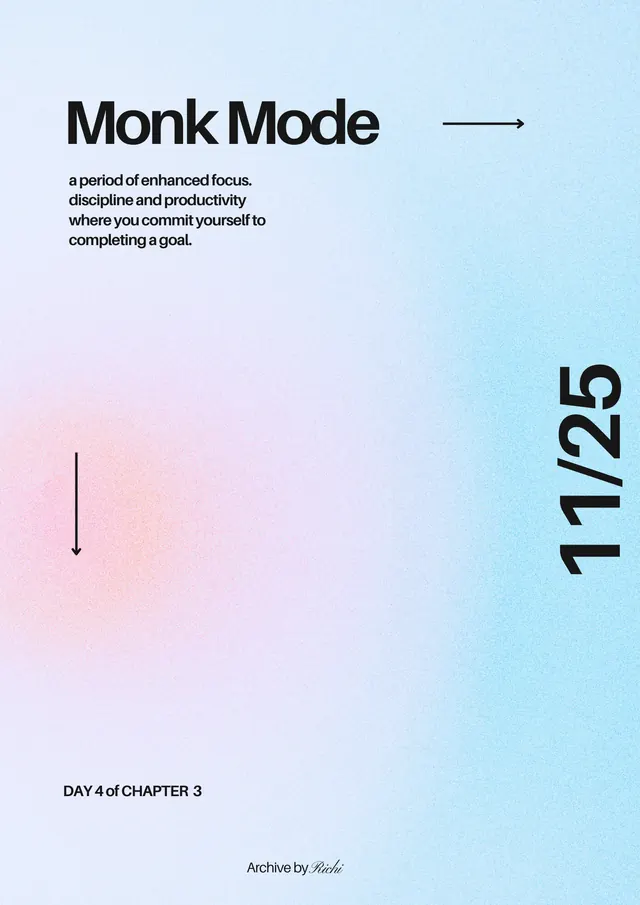
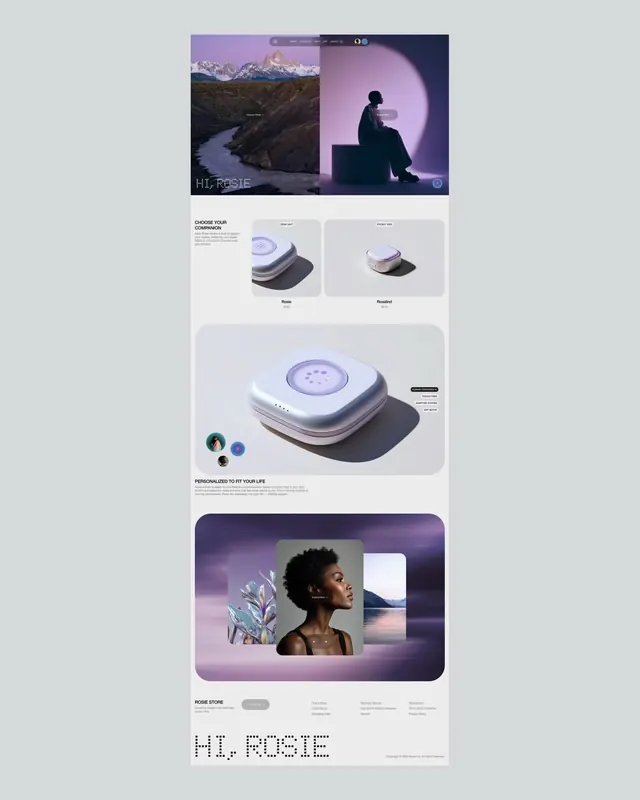
The soft pastel gradient as a background layer creating depth without visual noise; the card-stacking hierarchy with variable text sizes and weights; the centered button creating a clear focal point; the restrained purple palette applied consistently across gradient, cards, and CTA.
Reuse notes
Effective for mobile task management, productivity apps, or onboarding flows. The gradient works well on light backgrounds. The card-based layout pairs well with scrollable lists. Button sizing and centering is good practice for mobile CTA prominence. Not suitable for dark mode without reworking the gradient.