Preview image. Unlock full-res
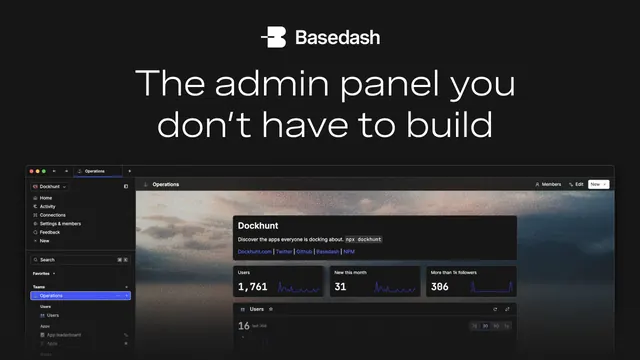
Dark card with a centered logo and headline up top, and a dark admin-dashboard screenshot over a moody photographic backdrop below.
Summary
A dark card centering the Basedash logo and a white two-line headline at the top, with a dark admin-dashboard screenshot sitting over a soft, moody photographic backdrop in the lower half.
Visual description
Near-black background. Centered at top, a small white logo mark beside the "Basedash" wordmark, then the headline "The admin panel you don't have to build" in white sans across two centered lines. Below, a dark product screenshot of an admin panel ("Operations" / "Dockhunt") shows a left nav, a data table, and stat tiles (1,761, 31, 386); it rests over a blurred, cloudy photographic texture that softens the area behind the UI. The image is low in resolution but the layout, logo, headline, and dashboard are clearly legible.
Key takeaway
Floating a dark dashboard over a soft photographic backdrop instead of flat black adds atmosphere and depth without decoration. Centering logo and headline, then showing the actual admin UI, states the promise and proves it in one column.
Reuse notes
Suited to developer or data tools where the product is itself an interface. The screenshot needs to stay readable, dark-on-dark can lose legibility at small OG sizes, so keep contrast up. A blurred photo backdrop is a quick way to avoid a sterile pure-black field.