Preview image. Unlock full-res
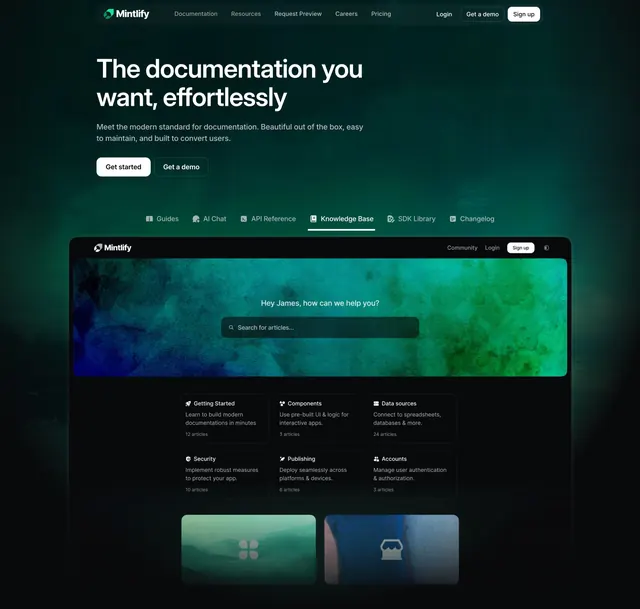
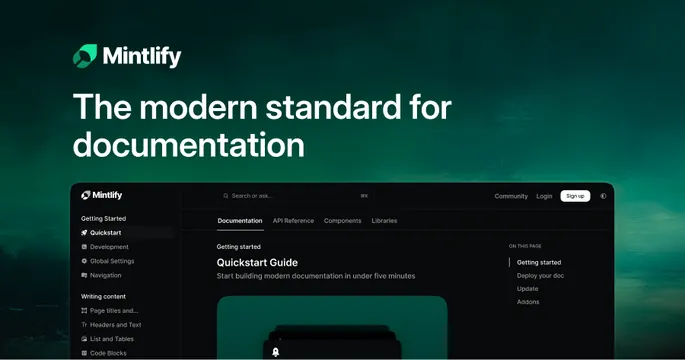
Dark green OG card with a logo and white headline up top and a cropped documentation-site screenshot bleeding in along the bottom.
Summary
A dark green OG card with the logo and a two-line white headline at the top, anchored by a cropped documentation-site screenshot that bleeds in along the bottom edge.
Visual description
The background is a deep green with a subtle lighter wash toward the upper right. Top-left is the "Mintlify" lockup: a small green leaf-style mark next to the white wordmark. Beneath it a two-line headline reads "The modern standard for documentation" in white sans-serif. The lower portion shows a cropped screenshot of a dark docs site: a top nav (Documentation, API Reference, Components, Libraries) with a search bar and a "Sign up" button, a left sidebar of doc sections (Getting Started, Quickstart, Development), and a "Quickstart Guide" content panel with a right-hand on-this-page list. The screenshot is cut off by the card's bottom edge.
Key takeaway
Matching the card's dark-green field to the product's own dark UI so the screenshot blends seamlessly into the background. Keeping the headline short and the logo small so the product preview does the rest.
Reuse notes
A clean default for a developer tool or docs platform where the interface is the proof. Tie the card background color to the product's theme for a seamless blend. Crop the screenshot to the recognizable nav and content area; it only needs to suggest the full app.