Preview image. Unlock full-res
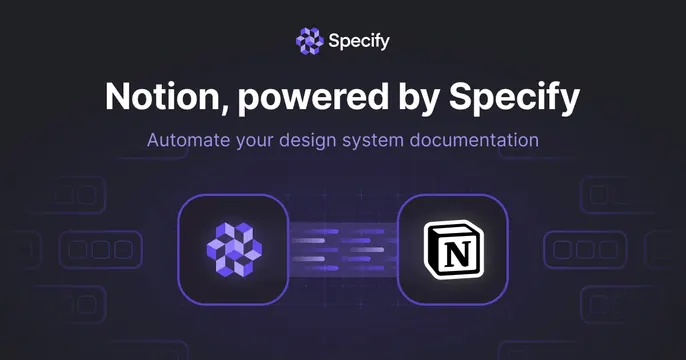
Dark integration card with a centered headline and two app icons linked by an animated data-flow connector.
Summary
A dark integration card: the Specify lockup and a "Notion, powered by Specify" headline above two large app icons joined by a glowing left-to-right data-flow connector.
Visual description
A dark violet-black background with faint blueprint rounded-rectangle outlines ghosted on both sides. Centered at top, the violet cube mark sits beside the white "Specify" wordmark; below, a bold white headline reads "Notion, powered by Specify" with a muted violet subtitle "Automate your design system documentation." In the lower center, two rounded-square app icons (the violet Specify cube on the left, the black-and-white Notion mark on the right) sit on dark tiles, connected by a short horizontal bundle of glowing violet dashes flowing rightward, signaling data moving from one tool to the other.
Key takeaway
The two-icon-plus-connector pattern as the universal grammar for "X integrates with Y": instantly legible, no copy required. The directional glowing dashes show the flow and direction, not just a static link.
Reuse notes
The go-to layout for any integration, sync, or partnership announcement card. Swap the two icons for any pair. Dark only here, but the pattern ports to light. Keep the connector short and directional so the relationship is obvious at thumbnail scale.