Preview image. Unlock full-res
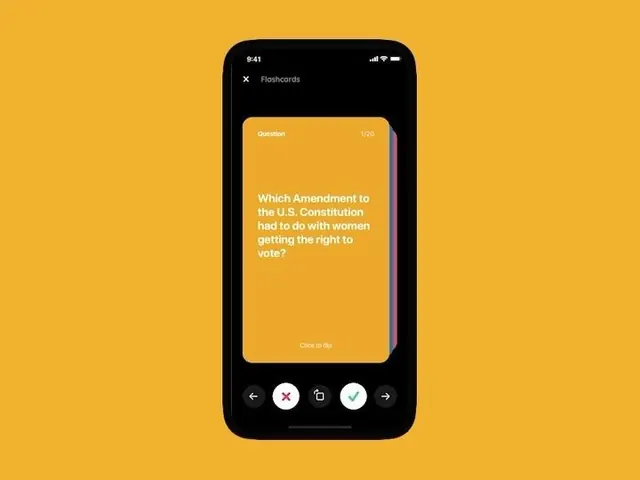
Mobile flashcard interface with a warm golden card against dark background and a row of action buttons below.
Summary
Mobile flashcard interface with a single question card in warm gold against a dark navy background, surrounded by icon-button controls for navigation and interaction.
Visual description
A black phone mockup centered on a warm yellow-gold background shows a vertical card layout. At the top is a label "Question" with a counter "1/50" in the top right. The main content area is a rounded golden-yellow rectangle containing white sans-serif text asking a civics question. At the bottom a row of five icon buttons in white circles provides navigation: back arrow, X close, copy, checkmark, and forward arrow, each cleanly executed on the dark interface. The overall color scheme uses the warm gold as the primary content highlight against deep blacks and neutrals.
Key takeaway
The warmth of the gold card creates visual focus while the dark frame recedes, making the question itself the sole point of interest. The five-button control row at the bottom is a simple, icon-driven interface for advancing through a deck without text clutter. The counter display (1/50) is minimal but essential context, placed unobtrusively in the corner.
Reuse notes
Ideal for quiz, trivia, or study apps where one item at a time needs focus. Works well in education tech or assessment tools. The warm/dark contrast is legible even on smaller screens and keeps cognitive load low. Button layout scales to mobile thumb zones without redundant labels.