Preview image. Unlock full-res
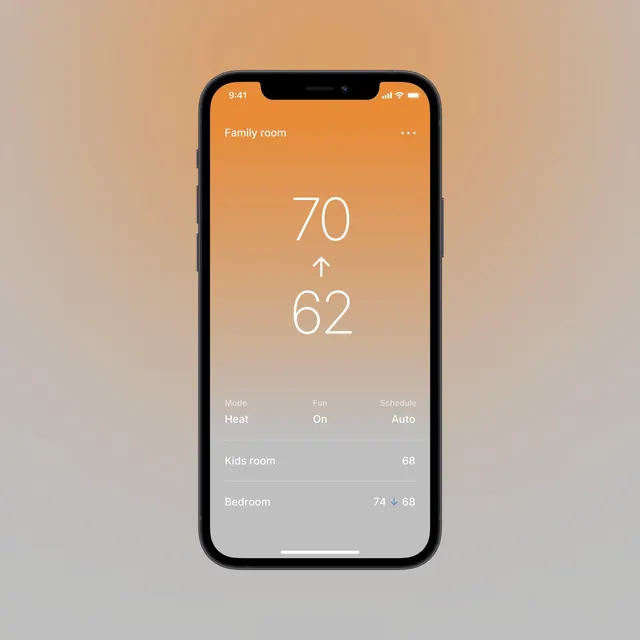
iPhone mockup of a thermostat app interface showing current and target temperatures for the family room with simple room list below.
Summary
Clean iOS-style smart thermostat screen in an iPhone frame, displaying large temperature readouts for "Family room" on an orange gradient with controls and a list of other rooms.
Visual description
Black iPhone centered on soft beige gradient background. The app screen has an orange-to-peach gradient top section labeled "Family room". Prominent white numerals show "70" with up arrow above "62". Below are three tabs: "Mode Heat", "Fan On", "Schedule Auto". A light gray section lists "Kids room 68" and "Bedroom 74 ↓ 68". Subtle bottom home indicator. The interface uses thin sans-serif type, generous spacing, and flat modern controls.
Key takeaway
Simple, calm thermostat UI that prioritizes the large current/target numbers and quick room overview. The warm gradient header provides visual interest without clutter.
Reuse notes
Useful reference for smart home, IoT, or climate control mobile apps. The combination of big numbers, tabs, and secondary room list is clear for quick glances. Works in warm or neutral palettes.