Preview image. Unlock full-res
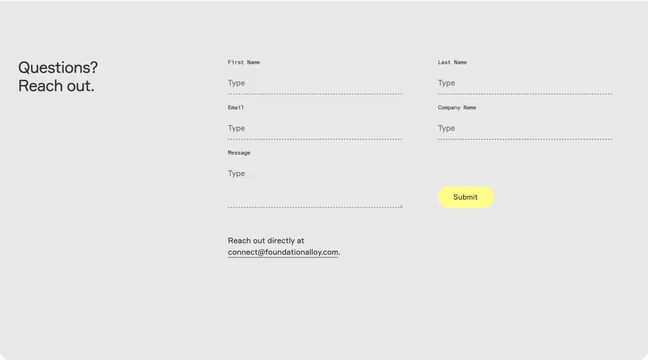
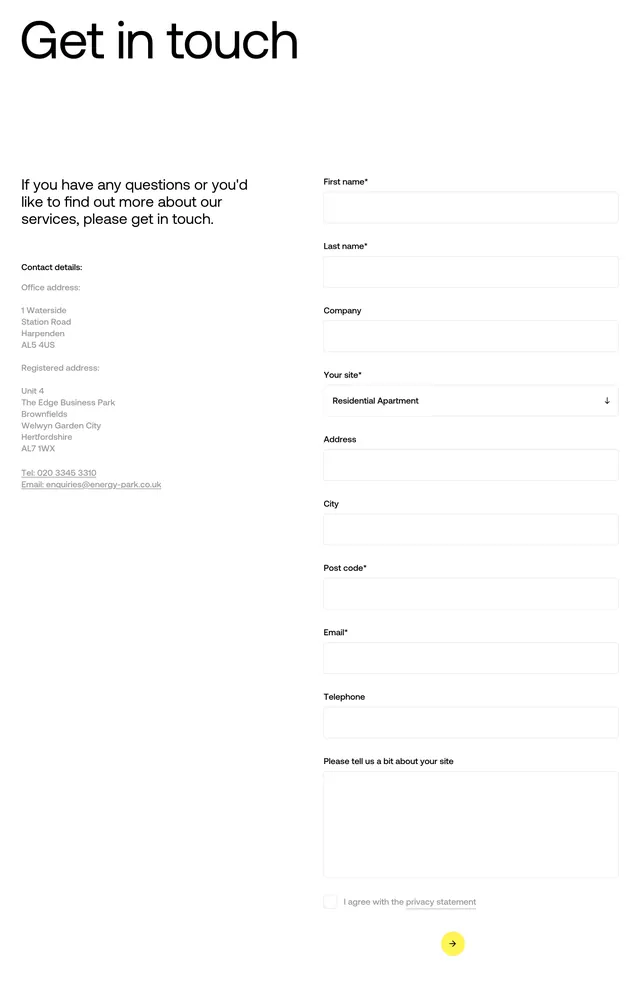
Two-column contact section with address details on the left and a multi-field inquiry form with yellow circular submit on the right.
Summary
A clean "Get in touch" contact block pairing static company details with a full lead-capture form in a balanced two-column layout.
Visual description
White page with large bold black headline "Get in touch" top-left. Below, two columns with wide gutter. Left column opens with gray intro copy, then bold "Contact details:" followed by office and registered addresses in medium gray, plus underlined phone and email links. Right column is a vertical form: labels above thin-bordered white inputs for first name, last name, company, address, city, post code, email, telephone; a dropdown labeled "Your site*" showing "Residential Apartment"; a large textarea "Please tell us a bit about your site"; a privacy checkbox with linked "privacy statement"; and a small circular bright-yellow submit button with a black right-arrow icon bottom-right. Required fields marked with asterisks.
Key takeaway
Keeping the form airy with label-above-field inputs and no filled backgrounds, then using one bold circular submit as the only color accent. The left column answers "who are you" while the right column captures the lead.
Reuse notes
Fits B2B services, property, or infrastructure companies that need site-specific qualification fields. Yellow CTA pops against monochrome fields. Long forms may need progressive disclosure on mobile; this desktop layout assumes generous width.