Preview image. Unlock full-res
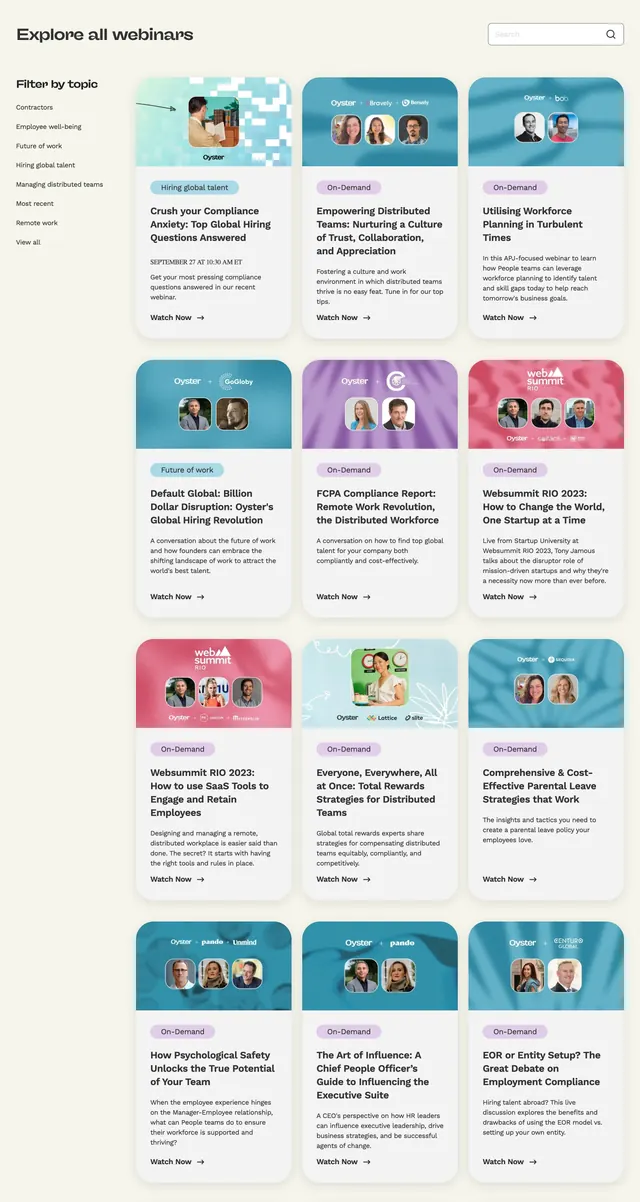
Warm-toned events listing with a left topic filter, search bar, and a three-column grid of colorful webinar cards.
Summary
A full-width webinar archive on a cream background with sidebar topic filters, a search field, and a dense three-column card grid.
Visual description
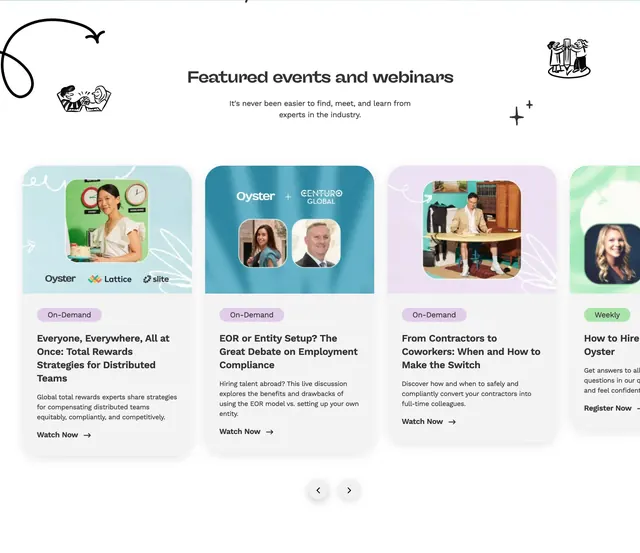
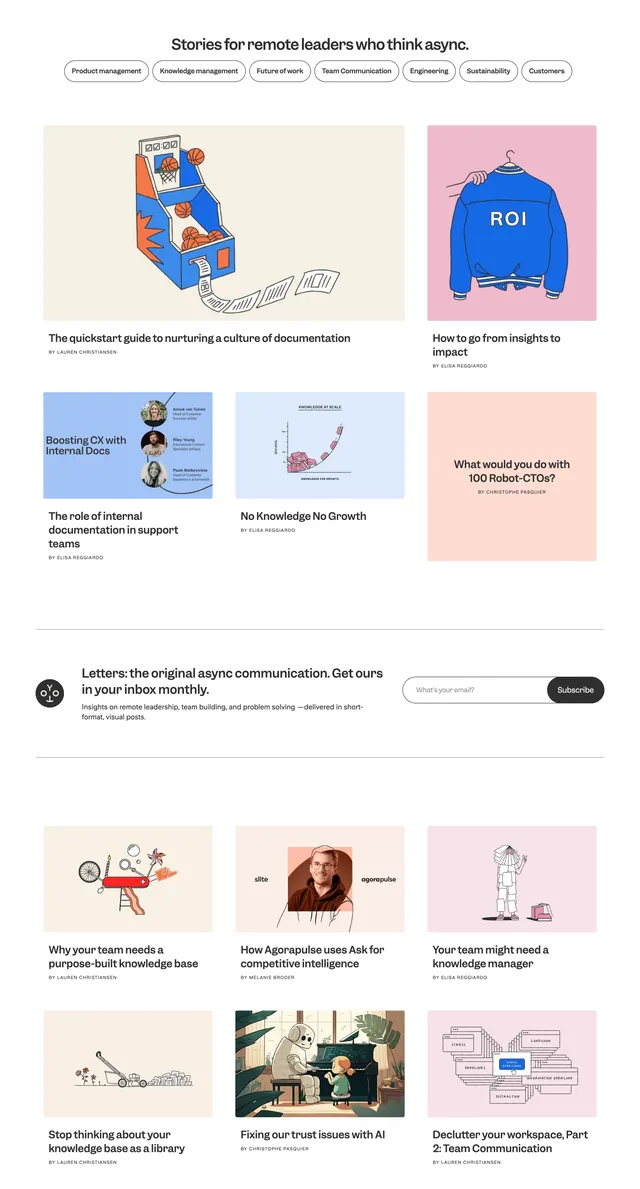
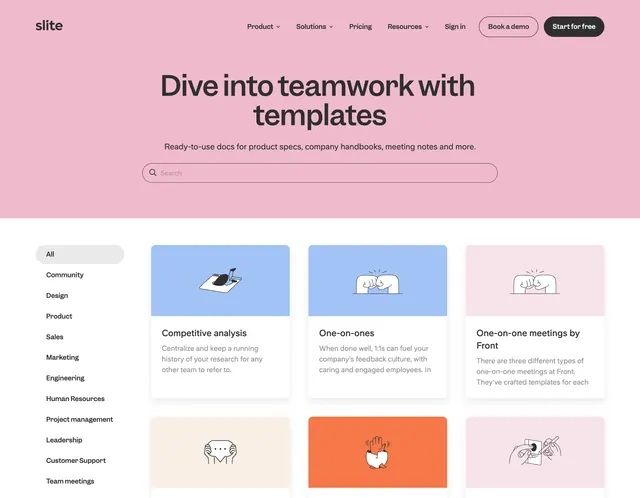
Warm off-white page background. Top row: large left-aligned heading "Explore all webinars" opposite a right-aligned search input with magnifying glass icon. Left sidebar lists "Filter by topic" links (Contractors, Employee well-being, Future of work, Hiring global talent, and others). Main area is a three-column grid of twelve rounded cards. Each card has a colorful illustrated header band (teal, purple, pink, or blue patterns) with partner logos and circular speaker headshots, then a white body with a small category pill, bold title, short description or date line, and a "Watch Now" text link with arrow. Cards vary in tag color and header palette but share identical structure and generous corner radius.
Key takeaway
The sidebar-plus-grid pattern scales content-heavy resource pages without feeling like a blog. Colorful card headers carry brand personality while the white card bodies keep titles readable.
Reuse notes
Ideal for event libraries, webinar hubs, or resource indexes with taxonomy filtering. Each card needs a distinct header graphic or photo set to avoid visual monotony. Sidebar collapses to horizontal filters on smaller breakpoints.