Preview image. Unlock full-res
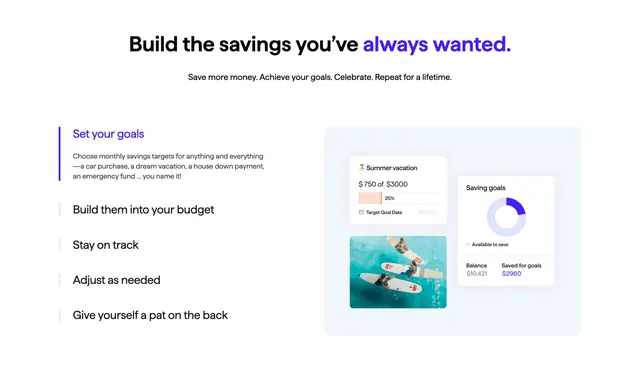
White goals feature with purple-accent headline, vertical step list with active "Set your goals" state, and dashboard UI collage on the right.
Summary
A centered-headline savings feature using a left vertical step list with purple active indicator and a right grey panel showing goal progress cards, lifestyle photo, and donut chart.
Visual description
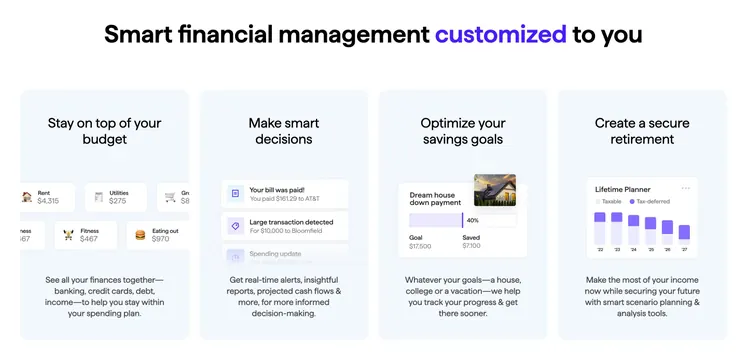
White background. Centered header: bold black "Build the savings you've" with purple "always wanted." Subhead about saving money and achieving goals. Two columns below. Left: five-step vertical list with thin vertical bars; first item active with thick purple bar, purple title "Set your goals", and descriptive copy about monthly savings targets; remaining four items collapsed in black (Build them into your budget, Stay on track, Adjust as needed, Give yourself a pat on the back). Right: light grey rounded rectangle containing three UI elements: top-left white card with beach emoji Summer vacation goal, "$750 of $3000" and peach 25% progress bar; bottom-left lifestyle photo of three people on surfboards in turquoise water; right white Saving goals card with purple-accent donut chart, Available to save legend, Balance $10,421 and Saved for goals $2,960 in purple.
Key takeaway
Vertical step tabs with a color bar state turn a feature walkthrough into scannable milestones without carousel chrome. Pairing abstract UI with one lifestyle photo anchors financial goals in real outcomes.
Reuse notes
Strong for fintech or budgeting products explaining a multi-step savings flow. Requires custom UI mockups and at least one aspirational photo. Purple accent should stay consistent with brand.