Preview image. Unlock full-res
Split features section pairing a large Porsche photo on the left with an oversized interactive model list and a single black CTA on the right.
Summary
Split features section pairing a large Porsche photo on the left with an oversized interactive model list and a single black CTA on the right.
Visual description
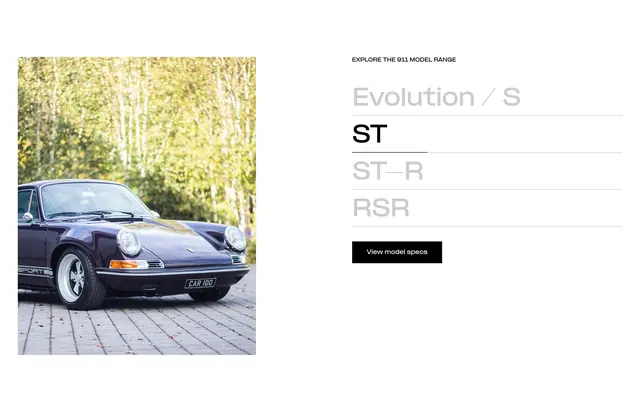
White canvas split roughly half and half. Left: portrait-oriented photo of a dark purple vintage Porsche 911 on cobblestone with soft green bokeh trees, round chrome headlights, Sport side decal, and CAR 100 plate. Right: small all-caps label EXPLORE THE 911 MODEL RANGE, then a vertical list of four large sans-serif model names separated by thin horizontal rules. Evolution / S, ST-R, and RSR appear in light gray while ST is bold black with an underline indicating the active selection. A solid black rectangular button below reads View model specs in small white type.
Key takeaway
Oversized model names with one active state in black and the rest in gray make a product line feel editorial without tabs or thumbnails. Pairing the selector with a single hero photo that presumably swaps on selection keeps the layout calm. One filled black CTA after the list avoids competing actions.
Reuse notes
Strong pattern for automotive, furniture, or any configurable product range with a few variants. Needs strong photography per option and a clear active-state treatment. Works best when the list stays short; more than five items will feel tall on mobile.