Preview image. Unlock full-res
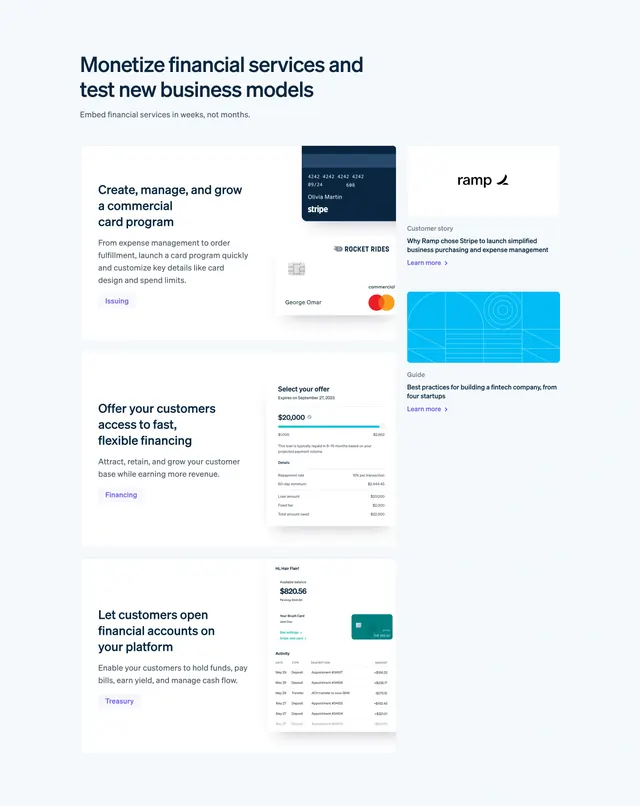
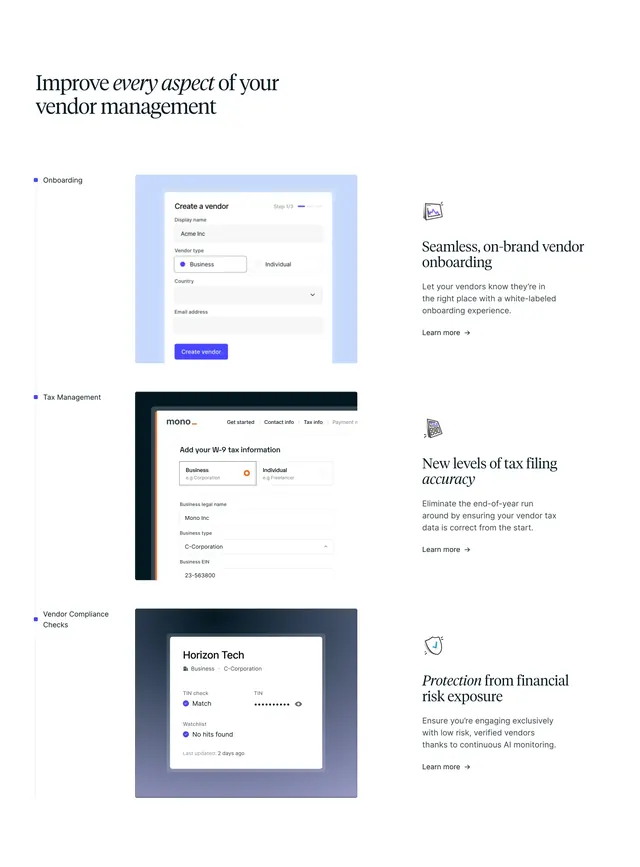
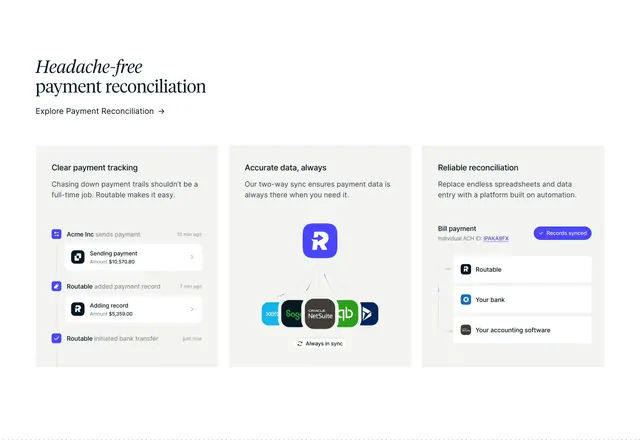
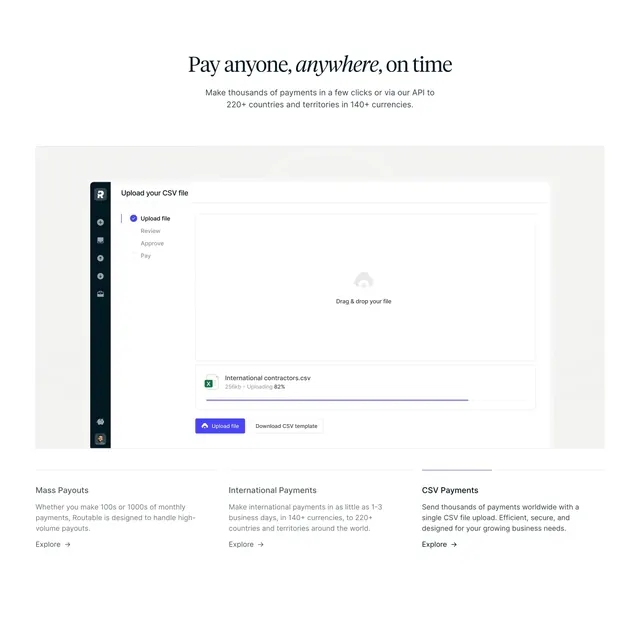
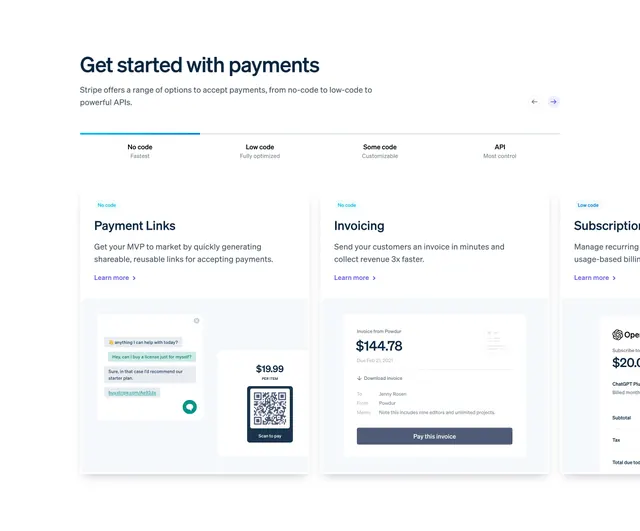
Get started with payments section with complexity tabs from No code to API and a carousel of product cards showing Payment Links, Invoicing, and Subscriptions mockups.
Summary
Get started with payments section with complexity tabs from No code to API and a carousel of product cards showing Payment Links, Invoicing, and Subscriptions mockups.
Visual description
Light page with heading and subcopy. Four tabs labeled No code, Low code, Some code, and API with active blue underline on No code. Carousel arrow controls top right. Cards show product name, description, Learn more link, and recessed UI illustrations for payment links with QR, invoice pay flow, and subscription checkout.
Key takeaway
Segmenting products by technical effort level in tabs helps both non-technical and developer audiences self-select quickly.
Reuse notes
Payment or API onboarding sections where the same products need framing for different integration depths.