Preview image. Unlock full-res
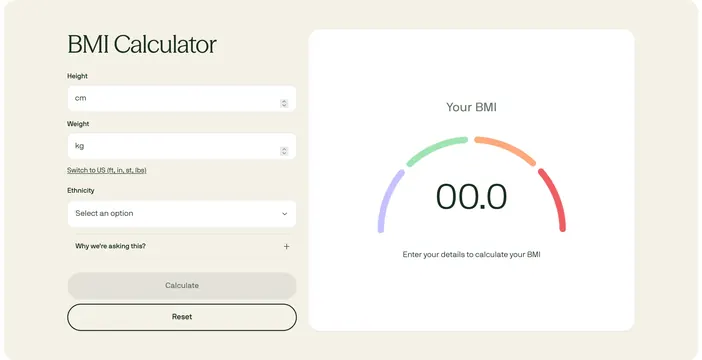
Two-column BMI calculator with metric inputs on the left and a semi-circular gauge result card on the right.
Summary
A soft-beige BMI tool pairing structured intake fields with a color-banded gauge visualization awaiting user input.
Visual description
Light cream background. Left column: serif headline "BMI Calculator," white rounded inputs for height (cm) and weight (kg) with steppers, underlined link to switch to US units, ethnicity dropdown, expandable gray box "Why we're asking this?" with plus icon, filled gray Calculate pill and outlined Reset pill. Right column: white rounded card titled "Your BMI" showing a four-segment semi-circular arc in purple, green, orange, and red with placeholder "00.0" centered and caption "Enter your details to calculate your BMI."
Key takeaway
The empty-state gauge teaches the output format before calculation, reducing anxiety about form submission. Pastel category colors make clinical data feel approachable.
Reuse notes
Works for health screening or eligibility tools. Ethnicity field implies regulated use; include clear rationale copy.