Preview image. Unlock full-res
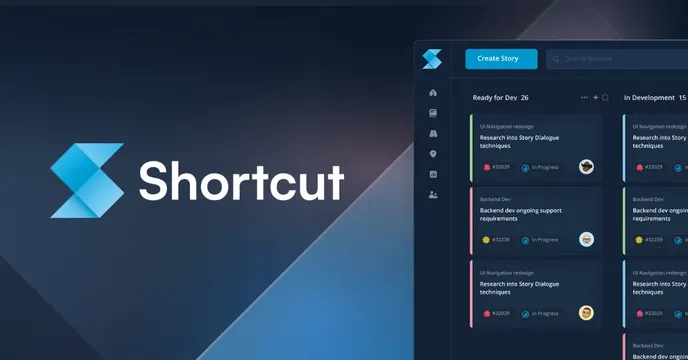
Dark navy OG card with a left logo-plus-wordmark lockup and an angled, glowing kanban board screenshot filling the right side.
Summary
A dark navy OG card placing a clean logo-and-wordmark lockup on the left against a glowing, slightly angled screenshot of the product's kanban board on the right. The real project-tracking UI is the proof element.
Visual description
Dark navy background with faint faceted/diagonal facets catching light. Left third: a blue chevron-style Shortcut logo mark beside the "Shortcut" wordmark in white sans-serif, vertically centered. The right two-thirds holds a screenshot of the app's board view with a "Create Story" button, "Ready for Dev" and "In Development" columns, and stacked story cards with colored labels and avatars. The screenshot sits flush to the top and right edges, lit so it glows against the dark field.
Key takeaway
Letting a dense, real product board bleed off the right edge communicates "this is a working tool" far better than an illustration. The faceted dark background adds subtle dimension while keeping the focus on the bright UI.
Reuse notes
A reliable pattern for any project-management or dev-workflow SaaS with a screenshot worth showing. The board UI must be legible at small feed sizes; pairing it with a quiet, centered logo lockup keeps the composition from feeling crowded.