Preview image. Unlock full-res
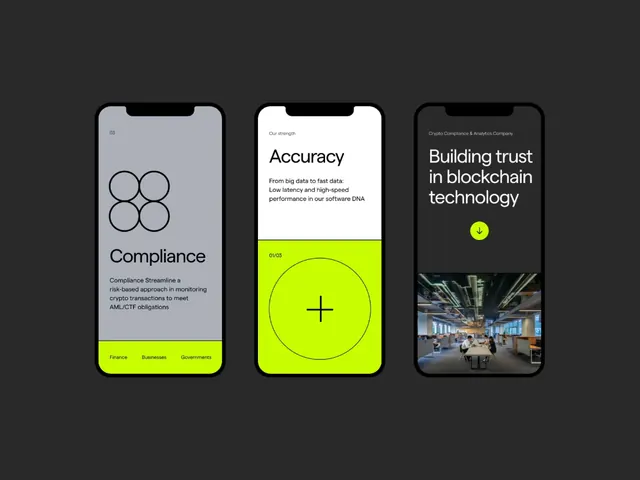
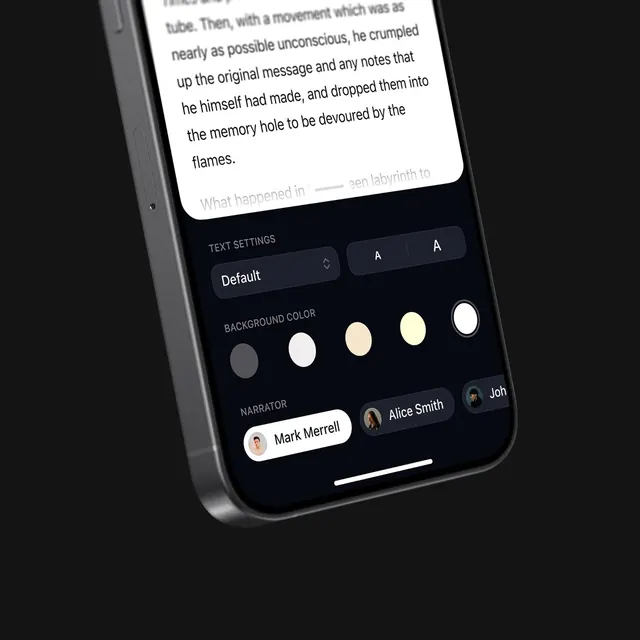
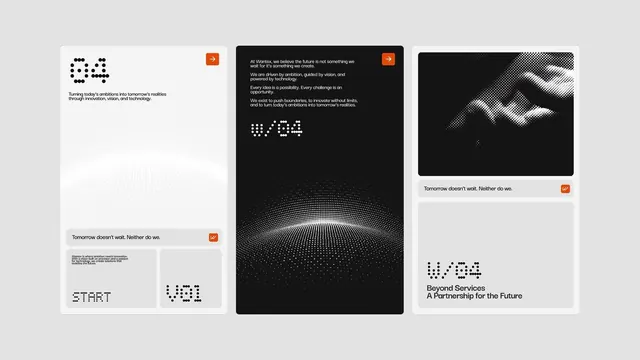
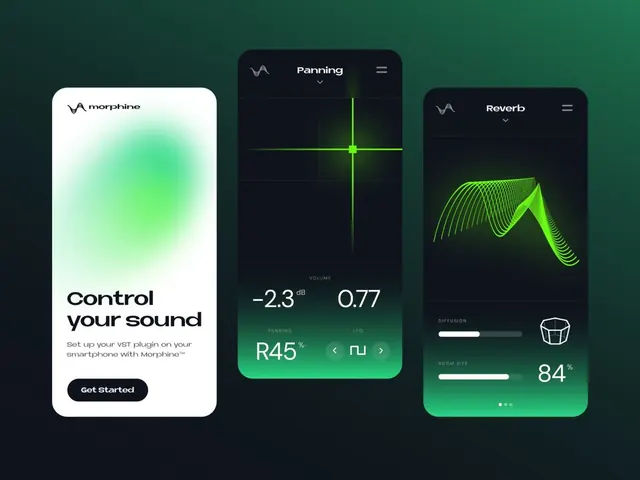
Three mobile app interface screens for an audio plugin with neon green gradients on dark backgrounds and one light onboarding screen.
Summary
Three mobile app interface screens for an audio plugin with neon green gradients on dark backgrounds and one light onboarding screen.
Visual description
The image shows three tall rounded mobile UI cards arranged side by side on a dark green-black background. The left screen is a white onboarding panel with a soft green blur, the middle screen is a dark panning controller with a glowing crosshair, and the right screen is a dark reverb panel with a neon green waveform and slider controls.
Key takeaway
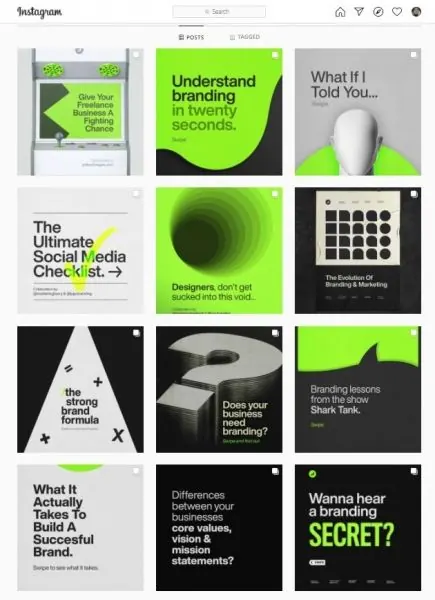
Use a stark dark-vs-light contrast with a vivid neon accent color to make a technical interface feel premium and tactile. Keep the controls simple but give the active state a strong glow so the main interaction reads instantly.
Reuse notes
This works well for music tools, control apps, and any product that needs a futuristic but usable feel. Reach for it when you want to present multiple states of one product in a clean, high-impact composition.