Preview image. Unlock full-res
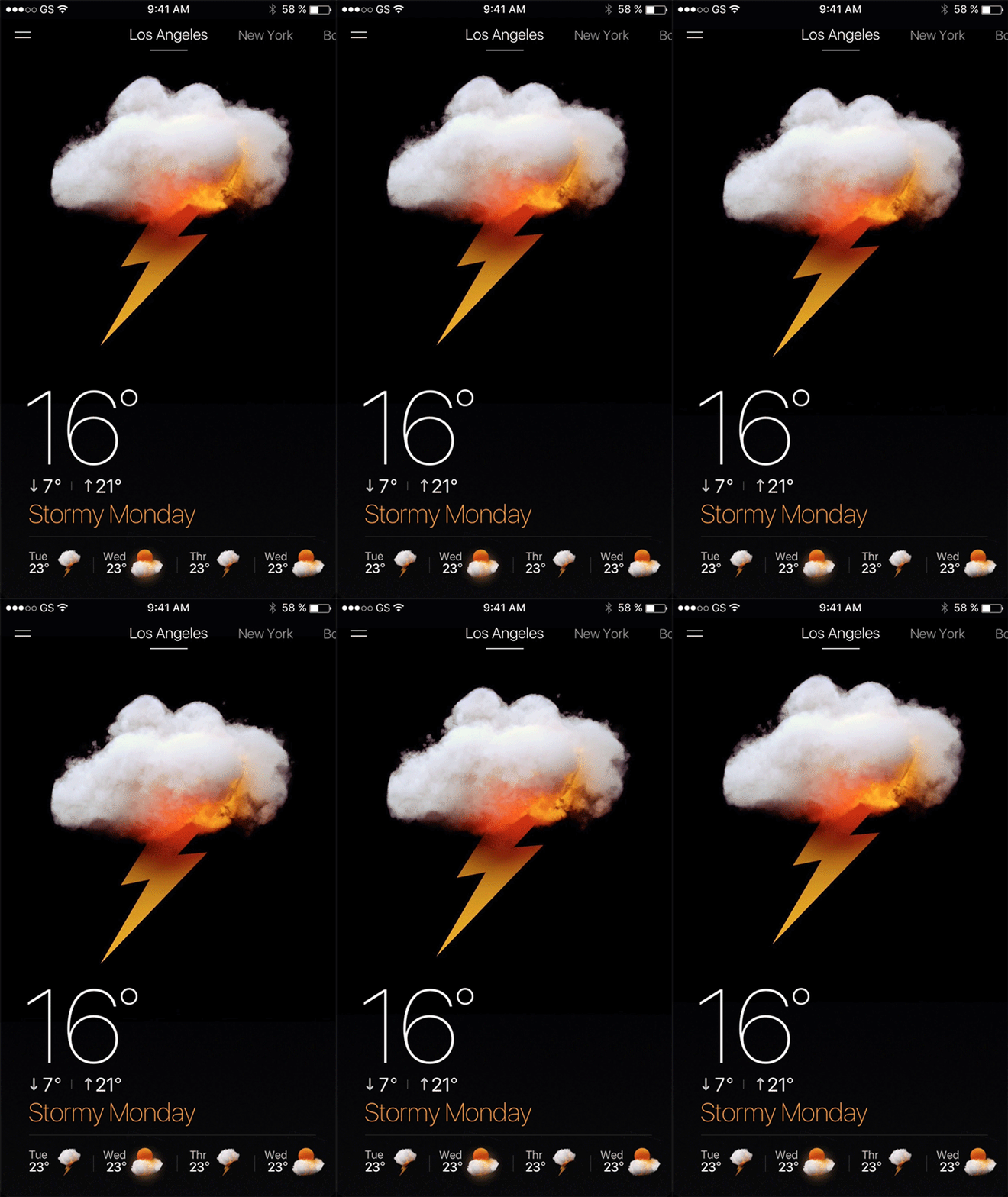
A dark mobile weather app screen shows a thunderstorm forecast for Los Angeles with a large cloud-and-lightning illustration and current temperature.
Summary
A dark mobile weather app screen shows a thunderstorm forecast for Los Angeles with a large cloud-and-lightning illustration and current temperature.
Visual description
A smartphone weather interface sits on a black background with a top status bar, a hamburger menu icon, and city tabs across the top. In the center is a large white storm cloud with orange fire-like light and a yellow lightning bolt beneath it, followed by a large 16° reading and a row of smaller forecast items at the bottom.
Key takeaway
Use a single oversized focal weather illustration against near-black space to make the screen feel dramatic and instantly readable. Pair that with large temperature typography and a small secondary forecast strip to keep hierarchy simple.
Reuse notes
This works well for weather, alerts, or any app state where one condition should dominate the screen. Reach for it when the goal is emotional impact and quick scanability rather than dense data display.