Preview image. Unlock full-res
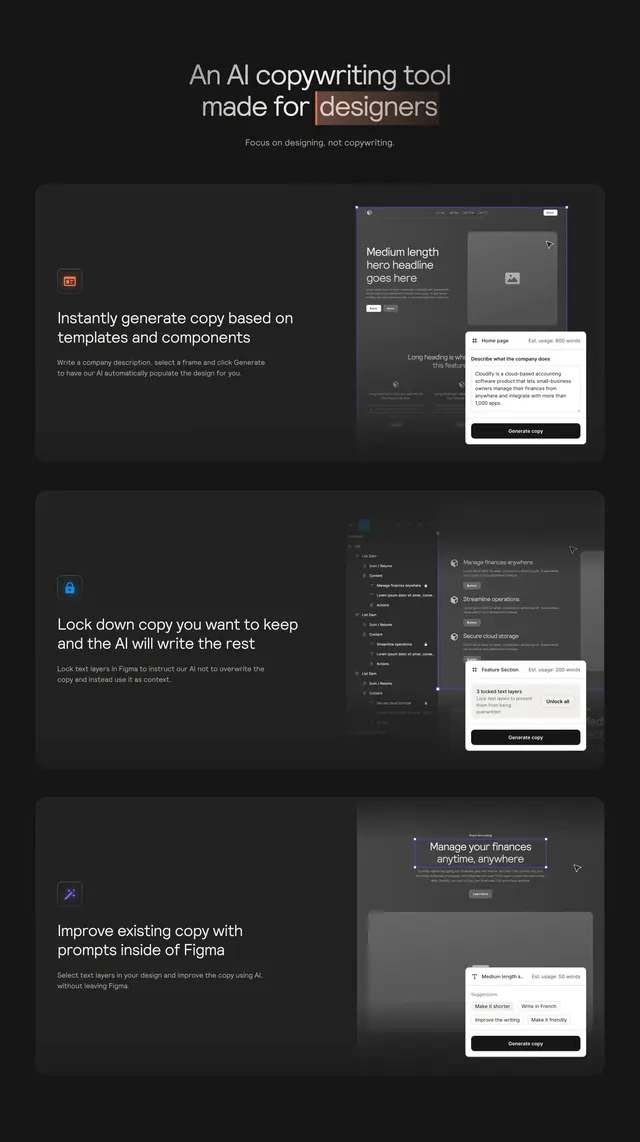
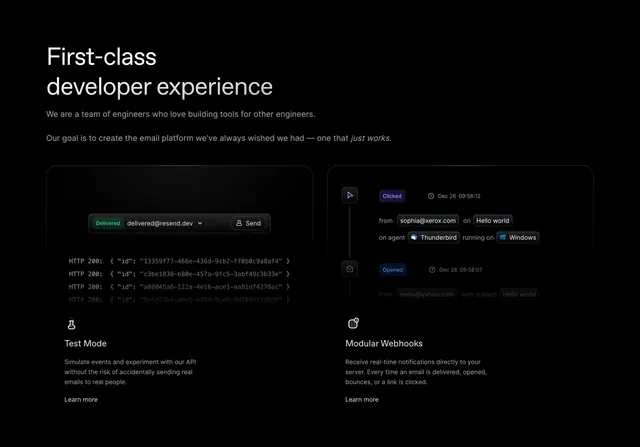
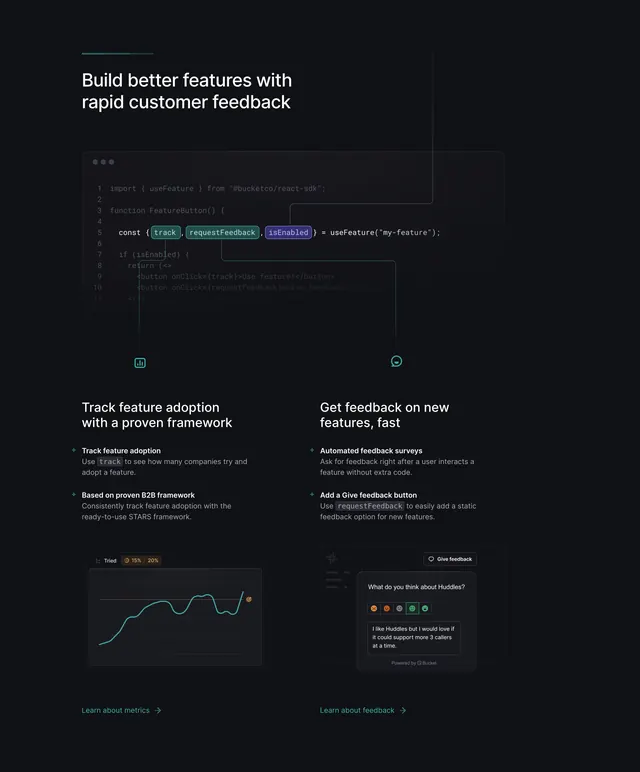
Dark developer-feature block leading with a code snippet, then two columns pairing benefit copy with product UI mockups.
Summary
A dark feature section for a developer tool that opens with a real code snippet inside a windowed editor, then drops into two benefit columns, each combining a bold heading, bulleted copy, and a small product UI mockup. The code-first framing is what defines it.
Visual description
Near-black background. A short teal underline sits above a two-line white headline "Build better features with rapid customer feedback". Below, a dark code editor card with a traffic-light window bar shows syntax-highlighted JavaScript importing a feature SDK, with track, requestFeedback, and isEnabled highlighted in teal and violet pills. Thin connector lines link the code to two small icons. Underneath, a two-column layout: left column "Track feature adoption with a proven framework" with two bulleted points and a teal line chart mockup; right column "Get feedback on new features, fast" with two bulleted points and a feedback-survey UI mockup. Each column ends with a teal "Learn about..." text link and arrow.
Key takeaway
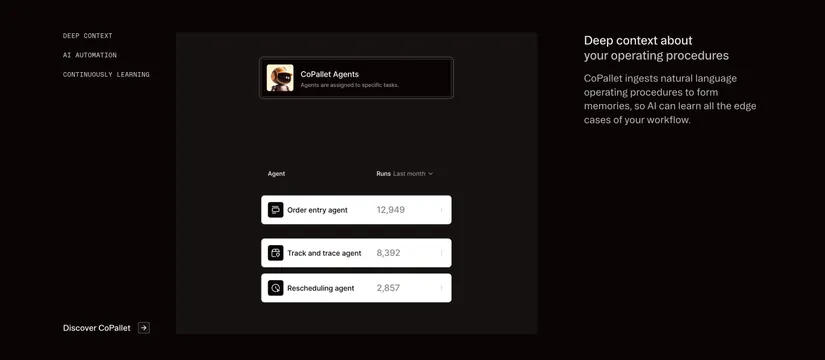
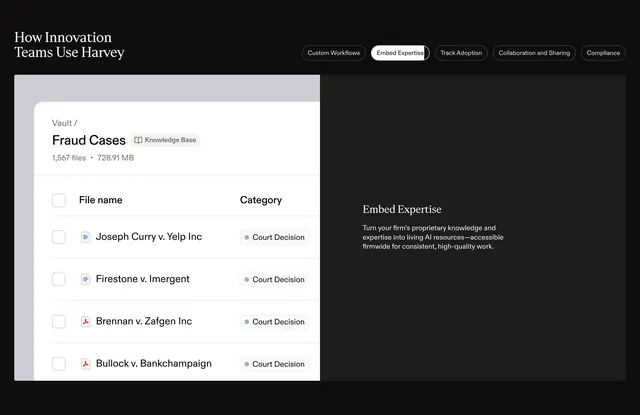
Leading a features block with an actual API code sample, which signals "this is for developers" faster than any copy. The repeated pattern of benefit-heading plus small contextual UI mockup keeps two different features visually parallel.
Reuse notes
Strong for developer tools and API-first SaaS where showing the code is the value proposition. Needs genuine, legible code and realistic product mockups to land. Dark-only as drawn; the teal accent does the entire job of color, so keep accents sparse.