Preview image. Unlock full-res
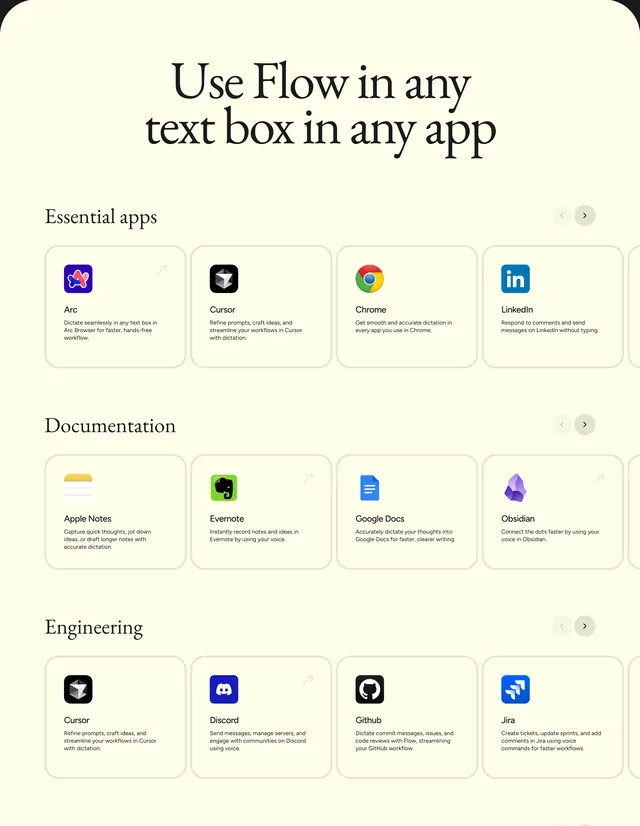
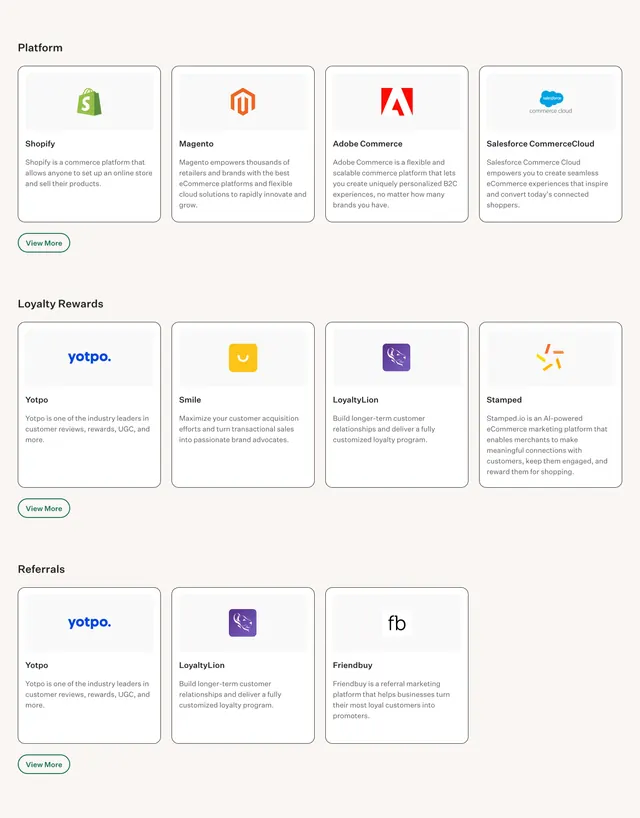
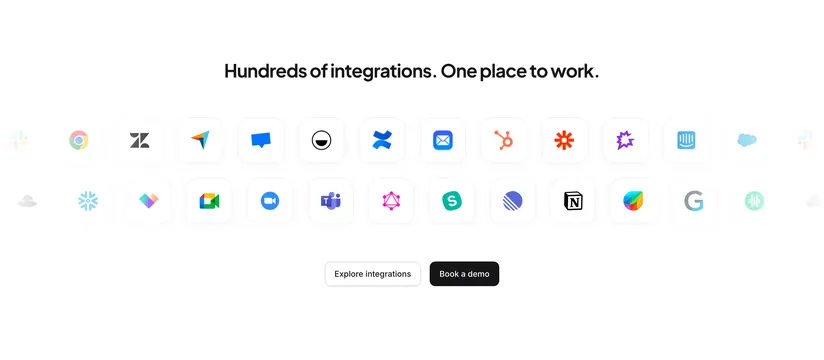
Cream integrations showcase with a centered serif headline and three horizontal carousels of app cards grouped by Essential apps, Documentation, and Engineering.
Summary
Integration section declaring Flow works in any text box, organized as three labeled carousel rows of app cards for essential, documentation, and engineering tools.
Visual description
Light cream background. Large centered black serif headline: "Use Flow in any text box in any app." Three horizontal bands follow, each with a left-aligned sans category label and paired circular arrow controls on the right suggesting scroll. Rows are Essential apps, Documentation, and Engineering. Each row shows four rounded white cards with thin borders: colored app icon, bold app name, short benefit copy in sans-serif, and on some cards a small diagonal arrow in the top-right corner. Apps shown include Arc, Cursor, Chrome, LinkedIn, Apple Notes, Evernote, Google Docs, Obsidian, Discord, Github, and Jira. Cursor appears in both Essential and Engineering rows.
Key takeaway
Category labels plus carousels let a long integration list stay scannable without a giant grid. Uniform card anatomy (icon, name, one-line benefit) keeps third-party logos readable on a calm cream field.
Reuse notes
Reference for productivity or dictation tools claiming universal compatibility. Carousel controls imply more apps off-screen; ensure scroll or swipe on mobile. Duplicate apps across categories need distinct copy angles to avoid redundancy.
More integrations sections
See all








More like this



Keep what you find
A free account saves references to boards and can send you a weekly email of picks based on what you save.
To see every result, go Pro.